I put Otter.ai on every call I take for this site about six weeks ago — sponsor briefs, service consultations, the odd planning chat that turns into the newsletter you're reading now if you're subscribed. The pitch was obvious: stop scribbling half-sentences while someone's mid-thought, get a searchable transcript for free, never lose a number or a name again. What actually happened surprised me, and not in the way the marketing promised. I came out of it listening less, not more. Here's what six weeks of running an AI notetaker on every call actually taught me.
I didn't set this up as an experiment. I set it up because I genuinely needed it, and the honest account only mattered afterwards, once I noticed what it had quietly changed.
Why I brought one in
I take more calls in a week than I used to — sponsor calls, brief calls for the services side of this site, and the loose planning chats that turn into whatever you're reading here next. On top of already leaning on ChatGPT Projects to run my actual week, adding a notetaker to the calls themselves felt like the obvious next step, not a big decision. I picked Otter.ai because it drops straight into Zoom and Google Meet without anyone on the other end needing to install anything, and because it was the one I kept seeing other people who take a lot of client calls actually recommend, rather than just demo. The other change happened on the hardware side rather than the software: I quietly went back to a wired headset for these same calls, for reasons that had nothing to do with the notetaker but everything to do with not wanting a dead battery or a garbled mic undermining a transcript I was now relying on.
The moment it stopped feeling like a win
For the first couple of weeks it did exactly what I wanted — a clean transcript landed in my inbox within minutes of hanging up, and I stopped that awful mid-call scramble to write a number down before the conversation moved on. Then, about three weeks in, I noticed something on a sponsor call that actually unsettled me a bit: I hadn't written a single word myself, hadn't really needed to, and at some point in the second half of the call my attention had drifted somewhere else entirely while the other person was still talking. I caught it, pulled myself back in, and told myself it was a one-off. It kept happening. Not because the transcript was doing a bad job — because it was doing a good enough job that some part of me had quietly decided I didn't need to be fully there.
"The tool didn't make me a worse listener because it takes bad notes. It made me a worse listener because it made not-listening feel completely safe."
What the transcript actually gets wrong
The accuracy problem is real, but it's smaller than the attention problem, and it's worth being specific about it rather than just waving at "AI mistakes." On a three-person call, Otter mixed up who'd said what often enough that I stopped trusting the speaker labels without checking. On another, a sponsor's figure came through wrong in the export — close enough to the real number that I'd have believed it if I hadn't happened to remember the conversation myself. The bit that worried me more than either of those was subtler: the auto-generated summary at the top of one transcript flattened a client's genuinely hesitant "let me think about it and come back to you" into a tidy bullet point that read as agreement. Nobody lied. The software just prefers a clean sentence to an uncertain one, and if you weren't the person actually paying attention on the call, you'd never know the difference.
What changed once I stopped trusting it as the record
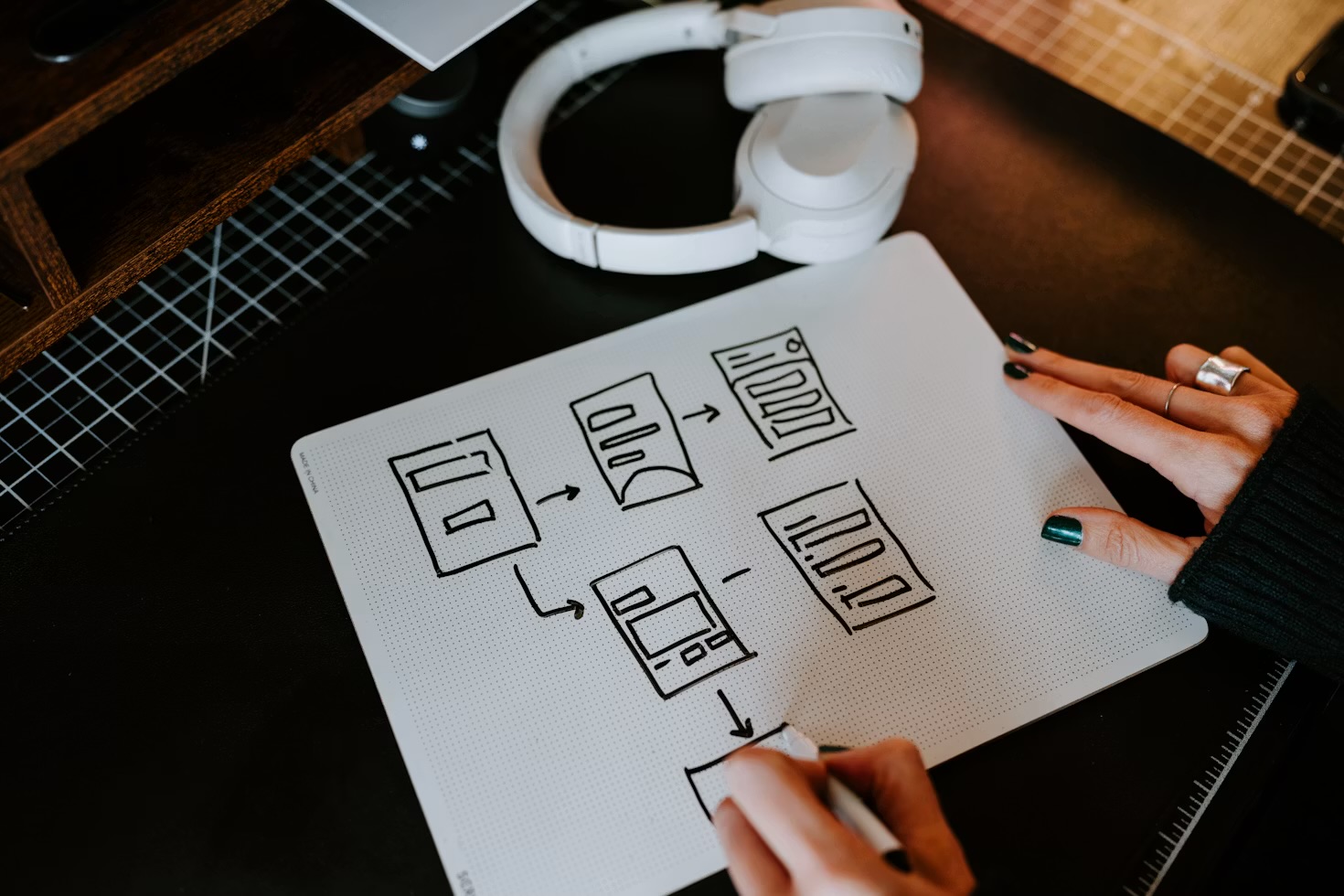
I haven't turned Otter off — the transcript is still genuinely useful for the boring, reliable part of the job: finding the exact date someone said they'd send a file, or a link someone read out that I'd never have caught by ear. What changed is what I let it be responsible for. I'm back to writing three or four bullet points of my own during every call, by hand — the outcome, the next step, anything with a number attached to it — not because my notes are more accurate than the transcript, but because the act of writing them is what keeps me actually in the room. The AI transcript is a backup now, not the record. If a figure or a commitment matters, I say it back out loud on the call before we move on, which gives both of us, and the transcript, a clean moment to get it right. It's the same lesson I landed on after I stopped letting AI draft every reply in my inbox: the tool rarely fails loudly. It just quietly takes over a habit you didn't mean to hand it, and you only notice once you're already worse at the thing it took over.
The honest verdict: An AI notetaker is a genuinely good tool for the transcript you'll want later, and I'm keeping it running. It is not a substitute for actually paying attention while the call is happening, and for about three weeks I quietly let it become one without noticing. The fix wasn't switching tools — it was going back to writing my own three lines by hand, every call, regardless of what's recording in the background.
The obvious follow-up question — whether a different tool would have behaved better — is one I went and answered properly afterwards. I compared Otter against Fireflies and Granola, and was straight about which one I had actually run on real calls and which two I had only researched.
If you're thinking about setting one up
Do it — I'm not talking anyone out of this. But set the rule before the first call, not after you catch yourself drifting: keep taking a handful of your own notes no matter how good the transcript is, treat the AI's output as something you check rather than something you trust by default, and say the important numbers out loud so there's a clean version on the record. If you want the fuller setup — routing the transcript into a proper searchable system rather than letting it pile up in an inbox — the full AI meeting notes workflow is the guide I wish I'd read before I started, not six weeks in. My own three lines end up in the linked Obsidian vault I actually search later, not the transcript itself. And if you want the next honest account like this one before it goes live, join the Brite newsletter.
Questions people actually ask
Are AI meeting notetakers actually accurate?
Mostly, for straightforward one-to-one calls. Accuracy drops on group calls with overlapping speakers, and the auto-generated summaries in particular tend to smooth over hesitation or uncertainty into something that reads more confident than what was actually said. Treat the raw transcript as more trustworthy than the AI-written summary sitting above it.
Is it OK to record and transcribe client or sponsor calls?
Tell people before you start. Most notetaker tools announce themselves automatically when they join a call, but I say it out loud too — it takes five seconds, nobody has ever objected, and it means the transcript itself can't become an awkward surprise later.
What's the difference between Otter.ai and a built-in tool like Zoom's AI Companion?
Otter works the same way across Zoom, Google Meet and Teams, so you get one consistent transcript and search history regardless of which tool a call happens to use. Zoom's own AI Companion is tidier if every call you take is already inside Zoom, but it won't follow you anywhere else.
Do AI meeting notes replace taking your own notes?
No, and that's the actual point of this piece. I use the transcript as a searchable backup, not my primary record — I still write three or four short bullet points myself during every call, mainly because doing that is what keeps me paying attention.
Which AI notetaker do you actually use now?
Still Otter.ai, running on every call. I haven't switched tools — I changed how much I let it do for me, which turned out to be the actual fix.