Topic Hub · AI
Practical AI Tools & Guides
Every workflow on this page runs in my real week — no hype, no jargon, no demos.
The honest truth is: AI doesn't replace you — it multiplies you. But only if you get past the demo videos and build something that survives contact with a busy week. Everything on this page comes from workflows I run for real: the automations that saved me twelve hours in a week, the meeting-notes pipeline, the research assistant that only cites sources I gave it.
Brand new to all of this? Start with ChatGPT for beginners — it's the on-ramp everything else assumes. If privacy is what's held you back, the private AI guide shows you a genuinely useful assistant that never sends a word off your laptop. And the free Prompt Collection gives you one hundred working prompts to skip the blank-page stage entirely.
How to fix things at home with AI: point ChatGPT or Gemini's camera at a leaking tap, a flashing boiler light or a broken hinge, and get safe, step-by-step help.

How to plan a trip with AI: a six-step evening routine for itineraries, budgets and logistics, plus the checks that stop it inventing hotels and opening times.
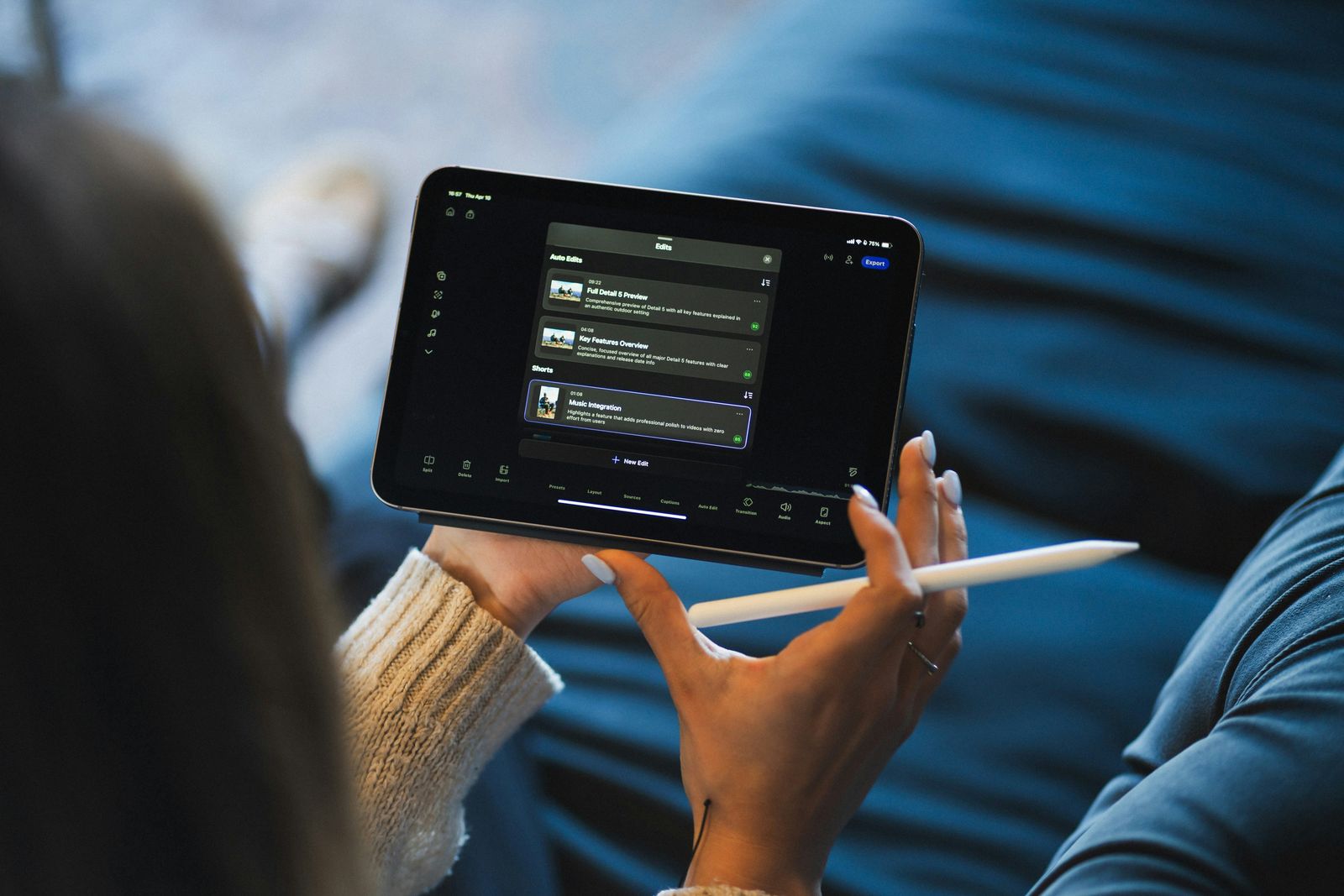
I made Perplexity Comet my daily browser for a month. Here's exactly how to set it up, which Assistant settings to turn on first, and what to leave off.

I went feature by feature through Apple Intelligence on my iPhone and Mac for a month. Here's exactly what's worth turning on, in order, and what isn't.

Google has reportedly retired the tool that let you build narrow, task-specific AI agents, betting everything on one do-everything assistant instead.

I ran Superwhisper's AI dictation against Apple's built-in dictation for a month, in every app I use daily. Here's which one earned a permanent hotkey.

Your phone is already the best AI device you own — most people never set it up. Here are the six steps that made mine genuinely useful, in about an hour.
I've used Todoist daily for three years. Here's the exact project, label and AI-assist setup that finally made a task system stick — six steps, step by step.

I turned on Gemini's side panel in Gmail, Docs and Sheets for a month. Here's the real workflow — drafting, summarising and one custom Gem worth keeping.

The five ChatGPT prompts I actually reuse every week for work — saved word-for-word in a folder, tweaked in seconds, and never rewritten from scratch.

Raycast replaced four separate Mac apps for me: launcher, clipboard manager, window manager and AI assistant. Here's the exact 6-step build.

I pay for Microsoft Copilot and ChatGPT at once. Here's the test I ran on my inbox and spreadsheets to see if Copilot earns its keep, or repeats what I already pay for.

Most AI notetaker comparisons are written by someone who used none of them. I ran Otter for six weeks — here's what's first-hand and what's only research.

I spent 30 days using AI to trace my family tree. Here is what it genuinely solved, where it invented ancestors outright, and the rule I now never break.
I let AI write my emails for months, then quietly stopped. Here's the tell that gave it away, what it cost me, and the one half of my inbox I still hand to AI.

I kept retyping the same business context into Claude every chat. Here's the Project I built so it already knows — and whether it's actually worth setting up.…

I stopped fighting spreadsheets and built my money admin around AI instead. Here's the exact step-by-step system — categorising, reviewing and forecasting.

Everyone says AI makes you more productive. I tracked a month of AI-assisted work and the honest answer is messier — here's where it helped and where it quietly didn't.
I use ChatGPT and Claude every working day. Here's the honest, side-by-side verdict on which AI assistant I reach for — and exactly when each one wins.
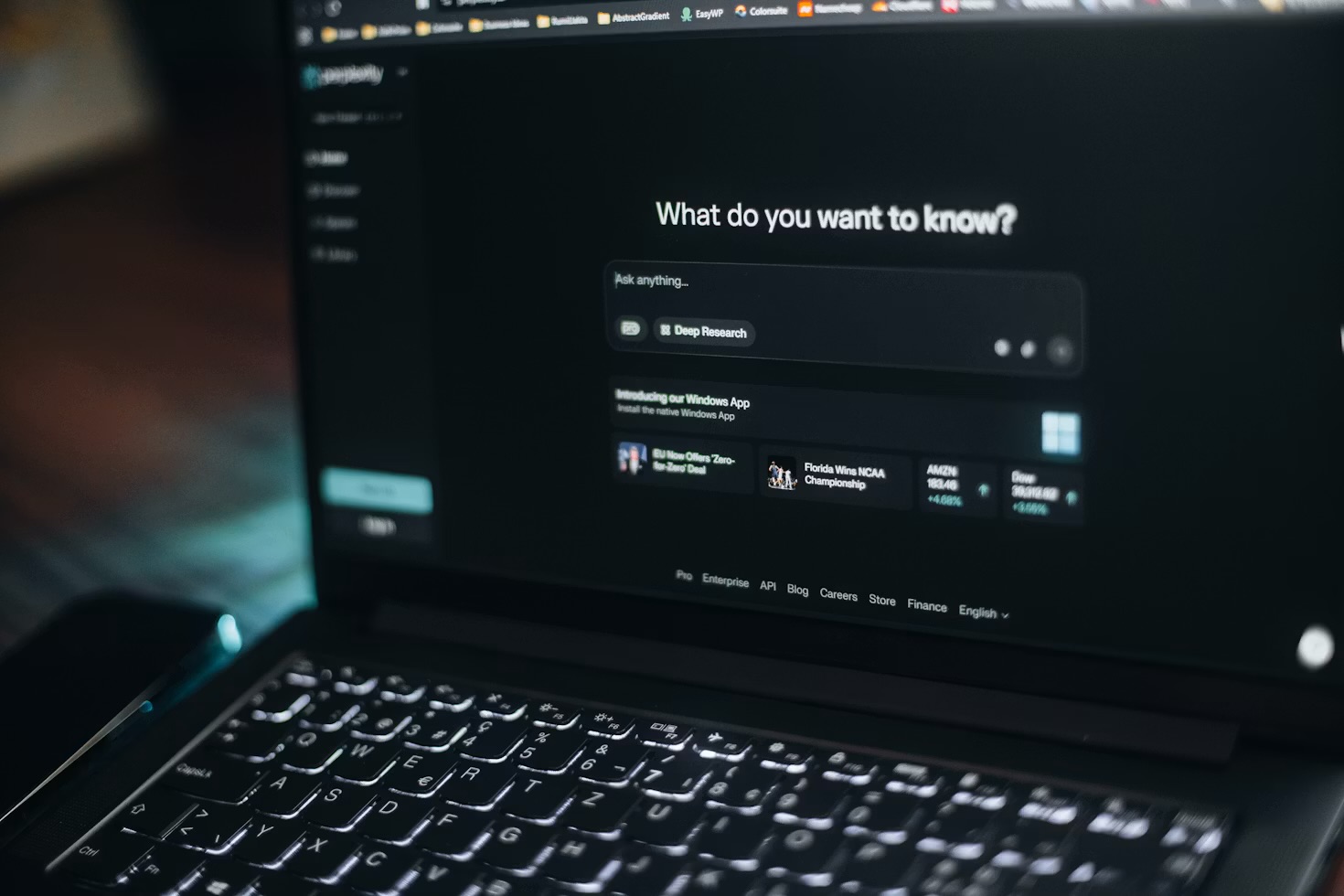
I swapped Google for Perplexity AI for most of my searches. Here's exactly how I use it day to day, where it beats Google, and where I still open a search box.
Everything you need to start using ChatGPT effectively — from your first prompt to advanced workflows that actually save time.

I spent 30 days using Claude as my primary writing partner. Here's what happened — and what no one else is telling you about AI creativity tools.
ChatGPT already knows how to do a hundred different jobs. A Custom GPT is what happens when you tell it to only do one — with your instructions, your files…

ChatGPT is brilliant for general questions. NotebookLM is better at something narrower and, for research, far more useful: staying grounded in the exact…

Every message you send to ChatGPT or Claude leaves your machine. For most questions that's fine. For the ones involving your finances, your health records…

Automate your inbox, content calendar, and research in under two hours. Here is exactly how to build it from scratch.

I used to leave meetings with a page of scrawled half-sentences and a nagging feeling I'd forgotten who was supposed to do what. Now I leave with nothing in…

Most people's notes are a graveyard: thousands of scattered fragments they'll never look at again. A second brain isn't about capturing more. It's about…

These aren't theoretical. I ran all five this week and tracked the time. Here's exactly what they are and how to set them up.
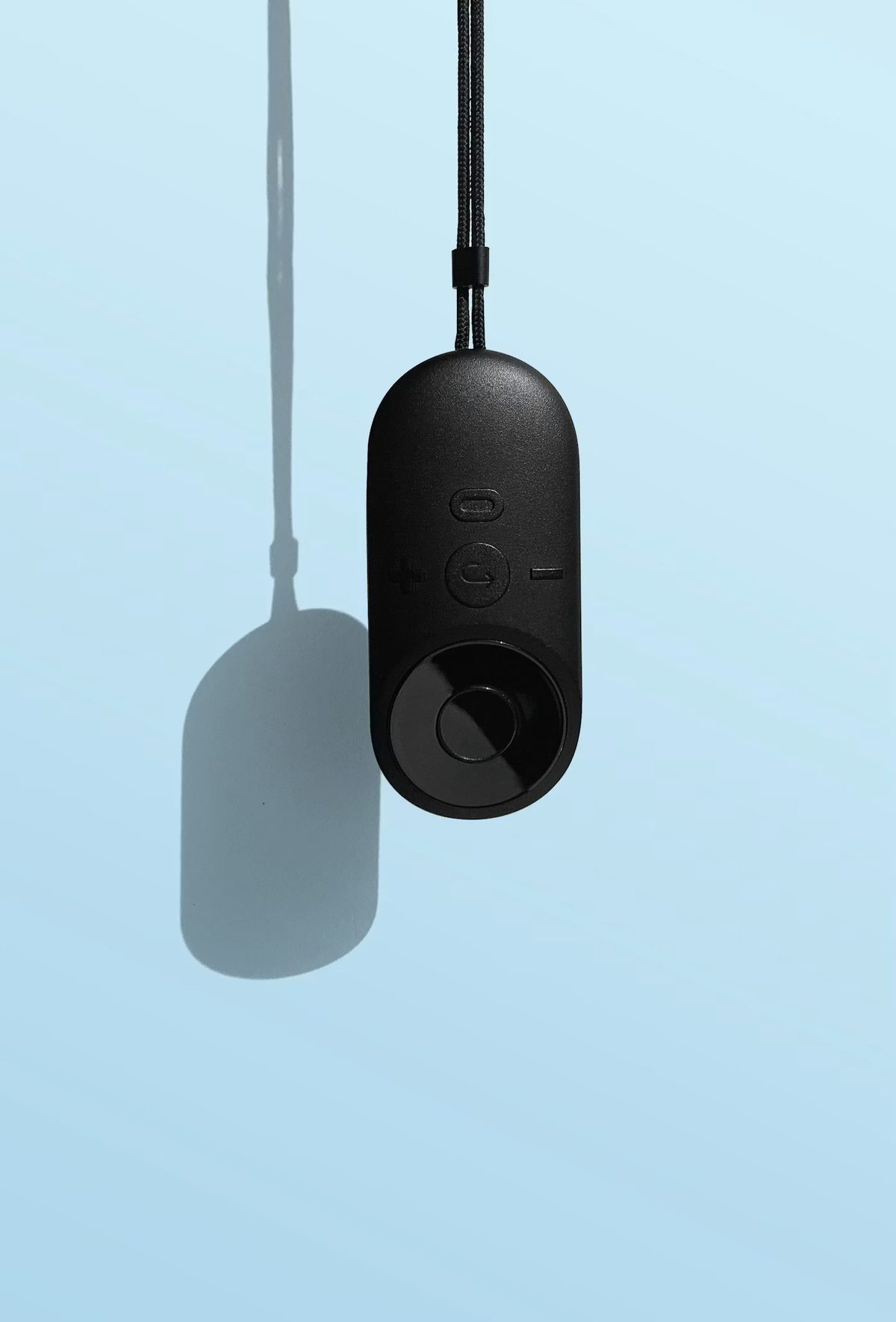
I clipped a small AI recorder to my shirt for a month and let it listen to everything. What I got back wasn't a diary — it was an uncomfortably accurate…
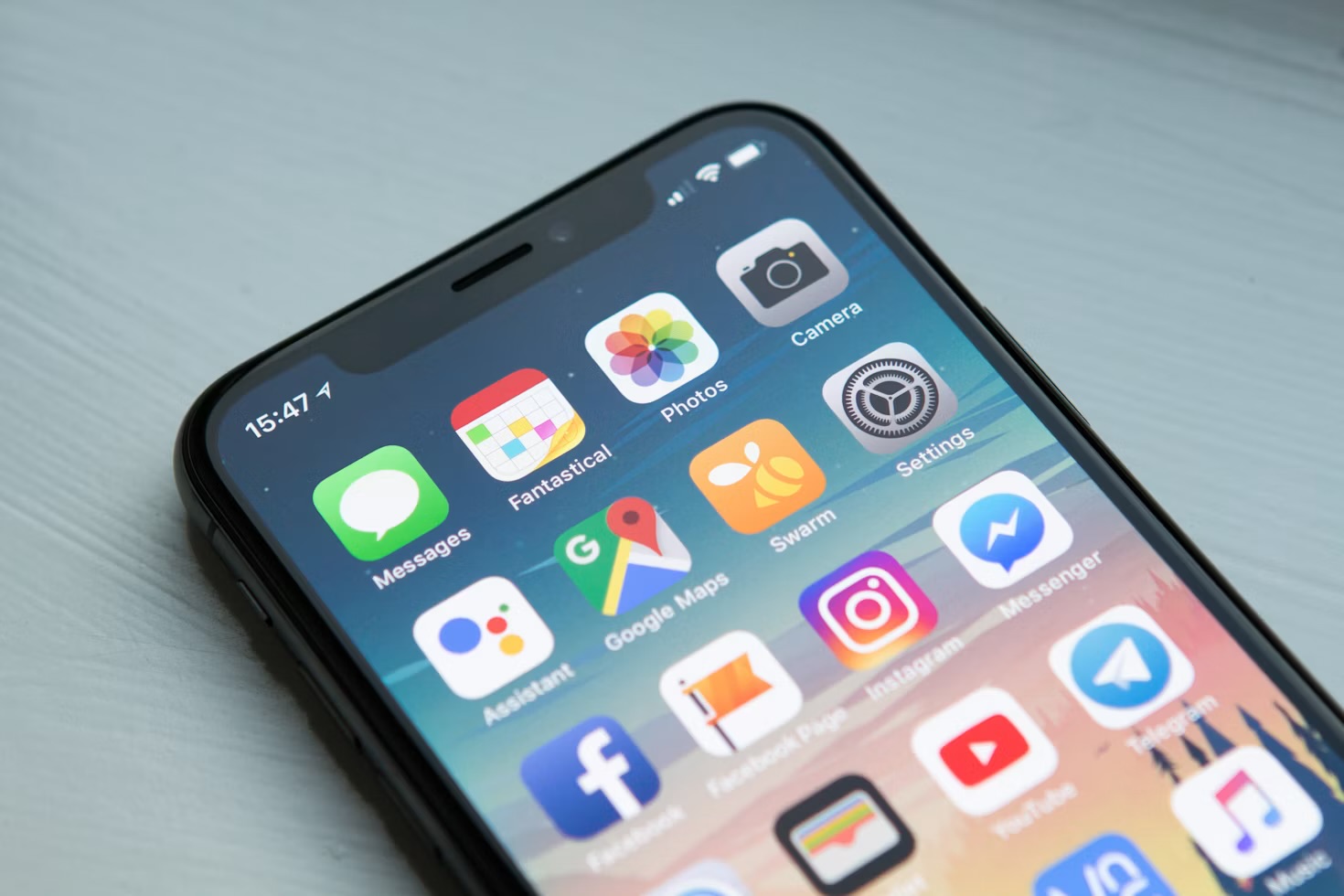
ChatGPT gets all the attention, but these are the five free AI tools I genuinely open every week — for search, research, notes and running AI privately on my own laptop.…

OpenAI just gave free ChatGPT users unlimited chats, a new default model and a Think button. I tested what actually changed — and whether it matters.…

I've worn Ray-Ban Meta glasses daily for months. Here's what the AI assistant, camera and calls actually get used for, and what still needs my phone.…

I installed six different AI browsers over the past month. Here are the only three that earned a permanent spot in my dock — and three that didn't.…

I ran the same week of real tasks through Gemini and ChatGPT — emails, research, photo edits — to see which one actually deserves the home screen spot.…

I'd never written a line of code. I gave the AI coding tool Cursor a week and came out with a working app. Here's exactly what happened, mess included.…
I used to start every ChatGPT chat from zero. Here's the specific way I've split my week into ChatGPT Projects, and what actually changed once I did.…

I ran five AI scheduling apps against my actual calendar for a month. Here are the only three that earned a permanent spot, and two that didn't.…
I wrote in an AI journaling app every night for 30 days expecting better reflection. Here's what it actually changed, what it got wrong, and what I do now.…

ChatGPT remembered something about me I never meant to tell it twice. Here's why I switched Memory off, what I lost, and what I use instead.…

My iPad Pro started as a couch device and quietly ended up running half of Brite Tech Lifestyle — photo edits, call notes, morning triage. Here's the actual workflow.…

Apple Shortcuts sits unused on most iPhones. Here's the exact step-by-step build for a one-tap morning routine that opens your apps, texts your commute and reads the weather aloud.…

I learned the same skill two ways — alone with an app, then with an AI tutor built from a proper prompt system. Here's exactly what stuck, and what didn't.…

I ran an AI meal planning app for 30 days to fix my grocery routine. Here's what it got right, what it missed, and what I actually do now…
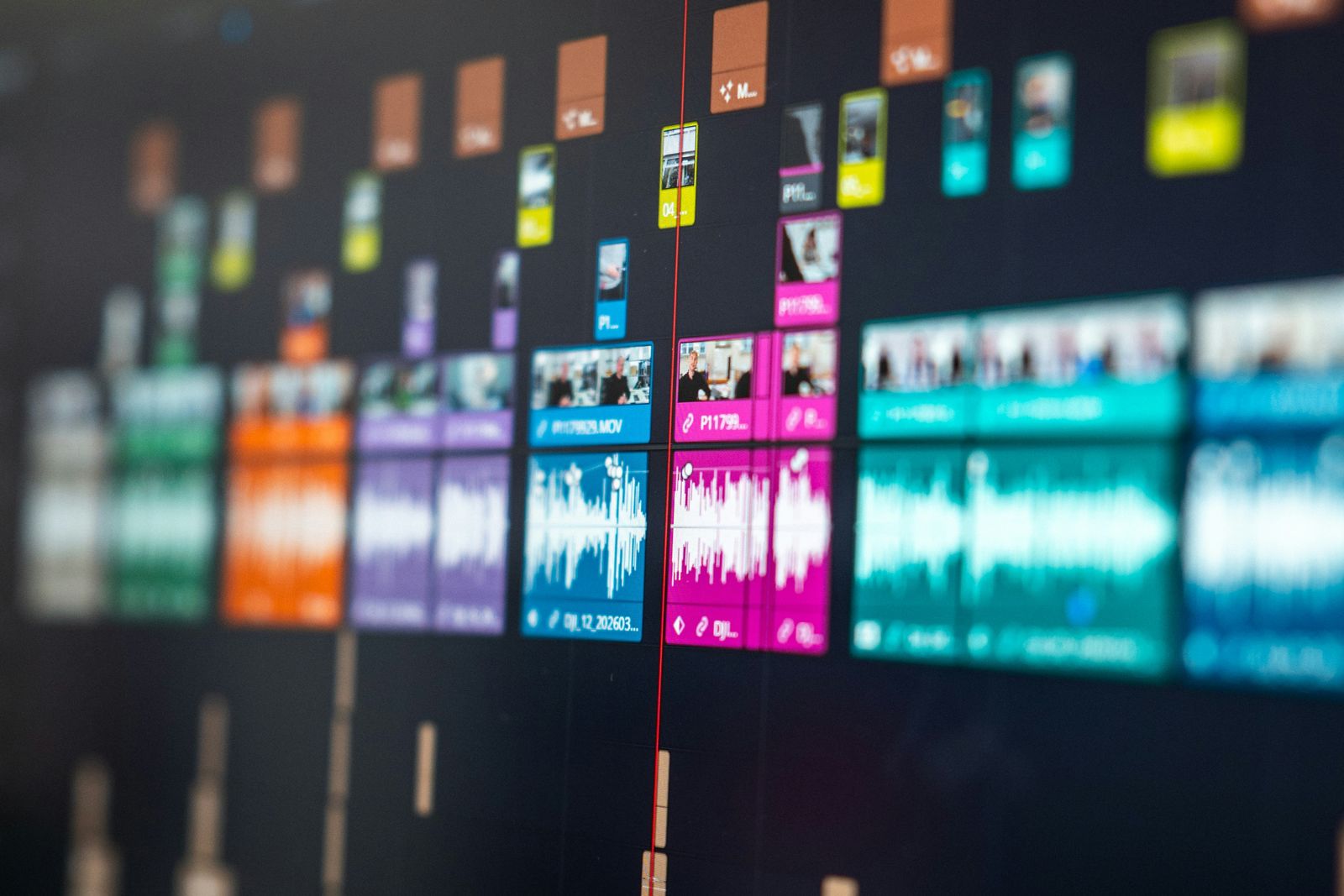
I swapped my usual timeline for an AI video editor that cuts by editing text. Here's what got faster, what still needs a human, and what I actually use now…

I built the same small tool twice, once in Cursor and once in GitHub Copilot, to see which AI coding tool actually helps someone who cannot code…

Meta AI kept showing up in Instagram, WhatsApp and Facebook whether I asked for it or not. Here's why I switched it off in every app, one by one, and what replaced it…

Samsung just launched its Gemini-powered Galaxy Glasses to rival Meta. I've worn AI glasses daily for months — here's my honest, unmoved reaction…
Meta just unveiled Muse Charm, a keychain device built to carry its AI agent everywhere. After a year of wearables and one failed AI pendant, here's why I'm not adding it…
Questions people actually ask
Where should a complete beginner start with AI?
With ChatGPT's free tier — it's enough to learn every fundamental that matters, and paid plans can wait until you hit its limits. The beginners' playbook takes you from first prompt to working routines, and the free Prompt Collection gives you 100 tested prompts to start from. If you would rather work through it in order than assemble it yourself, Your First 30 Days With AI is the eight-module course built for exactly that — 42 lessons, roughly four hours of reading, and the first two modules are free.
Can I run AI privately on my own computer?
Yes. Ollama runs open-weight models entirely on your own machine — once the model has downloaded, nothing you type leaves your laptop. A local model won't match ChatGPT on hard reasoning, but it's genuinely useful for drafting, summarising and questions you'd rather keep private. Five steps, no cloud.
What should I automate with AI first?
Start with a morning research digest — a flow that summarises your usual reading and lands it in your inbox before you sit down. It's low-risk, immediately useful, and teaches the pattern everything else follows. The five automations that saved me 12 hours ranks the rest.
Do I need ChatGPT Plus to build a Custom GPT?
Yes — building Custom GPTs requires a paid ChatGPT plan, though a Custom GPT isn't a separate model or "training": it's ChatGPT with standing instructions and your reference files attached. The step-by-step playbook shows what that unlocks. What each tool actually charges is on the AI tool prices page, re-checked every month.