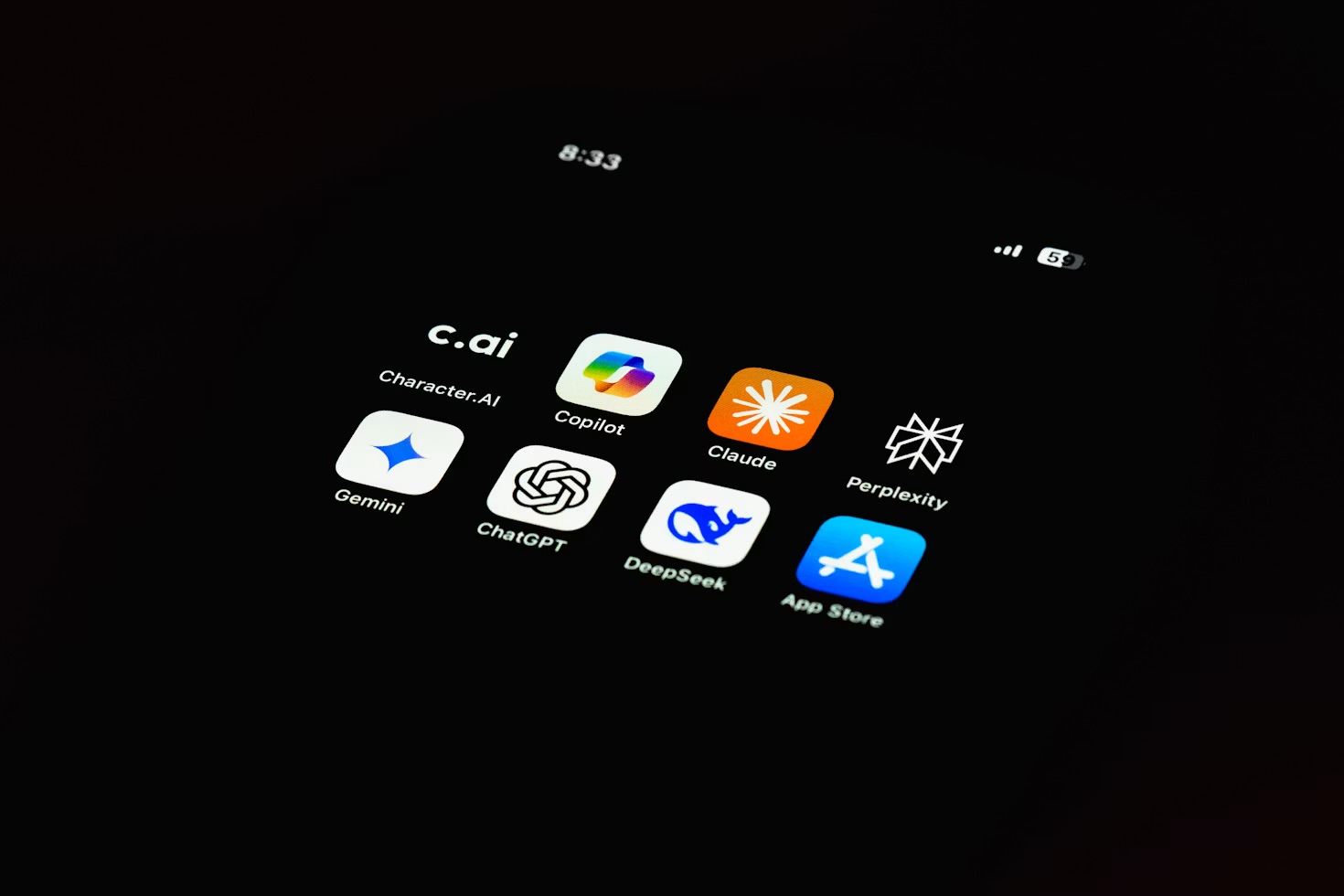
Ask most people to name an AI tool and they'll say ChatGPT — and then stop. It's become the whole category in a lot of minds, the way people once said "Google it" for any search. But when I look at what I actually open in a normal working week, ChatGPT is one tab among several, and it's rarely the one I reach for first. These are the five free AI tools that have quietly earned a permanent place in my routine. None of them is ChatGPT, all of them have a genuinely usable free tier, and each one does a specific job better than a single all-purpose chatbot ever could.
The reason this list exists at all is a lesson I had to learn the slow way: the winning move with AI isn't finding the one tool that does everything, it's building a small kit of tools that each do one thing well and knowing which to grab. So this is less "the best AI apps" and more "the five I'd genuinely miss." Here they are, roughly in the order I bump into them across a day.
1. Claude — my default thinking and writing partner
If ChatGPT is the tool everyone knows, Claude is the one I actually talk to most. It's a conversational AI assistant like ChatGPT, but I find it calmer and more careful with longer, more considered writing — which is most of what I ask an assistant to do. Drafting the awkward paragraph, pressure-testing an argument, turning a mess of notes into something readable: Claude is where that happens for me. ChatGPT's own free tier went unlimited recently, which shifts that calculation a little — but it hasn't changed which one I open first.
The free tier is generous enough that I ran on it for months before I paid, and honestly most people never need to. It resets its usage limit through the day, so unless you're leaning on it constantly you'll rarely hit a wall. If you're weighing the two head to head, I wrote up exactly which AI assistant I reach for and when — the short version is that I keep both open and let the task decide, but Claude wins the coin toss more often than not.
2. Perplexity — the search box that footnotes itself
Perplexity has done something I genuinely didn't expect any tool to do: it's changed the reflex of how I look things up. Instead of a chatbot, think of it as a search engine that reads the results for you and hands back a tidy, synthesised answer — with every claim footnoted to a source you can click and verify. That last part is the whole point. I don't have to trust it; I can check it.
It's become my all-day, wide-and-shallow tool: quick factual questions, "is this still the current advice," a fast briefing on something I know nothing about. It's replaced a genuinely large share of my Google searches, and I went deep on how I actually use Perplexity every day in its own piece. The free tier covers the everyday version comfortably; you only bump into limits if you start using its more advanced research mode heavily.
"The winning move with AI isn't one tool that does everything — it's a small kit where each one does a single job well."
3. NotebookLM — AI grounded in your own documents
This is the one I have to talk people into trying, and the one they thank me for later. Google's NotebookLM flips the usual model on its head: instead of answering from the whole internet, you feed it your sources — PDFs, notes, articles, a transcript (an AI notetaker's output works well here too) — and it only answers from those. Ask it a question and it points at the exact passage the answer came from. For anything where you need to trust the source, that grounding is transformative.
I use it whenever I'm going deep on a single subject and drowning in tabs: research for a piece, making sense of a dense manual, pulling the thread through a stack of saved articles. It's free, and it's the tool I'd hand to a student or anyone doing real research. If it sounds useful, I put together a full walkthrough on building a personal research assistant with NotebookLM that takes you from empty notebook to something genuinely useful.
4. Google Gemini — the capable one already in your pocket
Gemini rarely gets talked about as a "free AI tool" because it's just… there, baked into the Google apps millions of people already use. But that's exactly why it earns a spot: it's the AI with the lowest friction in my day. It's a tap away on my phone, it shows up when I'm drafting in Gmail or Docs, and for quick, in-context help — summarise this email thread, tidy this rough note, what's a better way to phrase this — it's the fastest thing to reach.
I don't ask it to do my deepest thinking. What I value is that it's right there, with no new app to open or account to make, sitting inside the tools I'm already in. For a huge number of people, the best free AI tool is the one they don't have to go looking for, and for Android and Google users that's Gemini.
5. Ollama — running AI privately on your own laptop
The odd one out, and my favourite for it. Everything above sends your words to a company's servers. Ollama doesn't: it's a free tool that downloads open-source AI models and runs them entirely on your own machine. No account, no subscription, nothing logged, and it works with the wifi off. For anything I'd rather not paste into a website — a rough draft of something personal, work I'm under NDA on, a private journal entry I want summarised — this is where it goes.
The trade-off is honest: the models you can run locally are a step behind the giant cloud ones, and you need a reasonably modern computer to get a smooth experience. But it's improved fast, and for drafting, summarising and everyday questions it's more than good enough. If the privacy angle is what's held you back from AI entirely, I walked through the whole setup in my guide to running a private AI on your own laptop — it's far less technical than you'd fear.
The pattern worth stealing: match the tool to the task. Perplexity for a sourced fact, Claude for writing and thinking, NotebookLM for your own documents, Gemini for quick in-context help, Ollama for anything private. One overloaded chatbot can fake all five jobs; five sharp tools just do them better.
How they fit together in a normal week
None of this is a rigid system — it's just what happens when you stop expecting one app to be everything. A typical day might start with a Perplexity briefing over coffee, move to Claude when I sit down to write, dip into NotebookLM when I need to check something against my own sources, lean on Gemini for the small in-the-moment jobs, and finish with Ollama for a draft I'd rather keep off the cloud. I never consciously "chose a tool" — each one just became the reflex for its kind of task. The one project that leaned on nearly all of them at once was a month spent tracing my family tree with AI.
If you want to explore the wider set, all of these live in my running list of the practical AI tools I actually use, alongside the guides that go deeper on each. And whichever tool you land on, the thing that changes results most isn't the app — it's how you ask. That's the reason I put together a free pack of 100 AI prompts for busy professionals: the same prompt structures work across every tool on this list, and they turn a blank box into something that actually saves you time. It's also why I now keep the five prompts I actually reuse every week saved word-for-word instead of retyping a worse version of them each time I open one of these apps.
The real takeaway is smaller than "here are five apps." It's that the AI conversation has been flattened down to one product, and the interesting, useful, often free stuff is happening everywhere else. You don't need to pay for anything to get most of the value — you just need to stop looking for the one tool and start building a small kit of good ones.
Building that kit is mostly a matter of knowing what each tool is genuinely for, which is the least glamorous and most useful thing anyone can tell you about AI. It is also the whole argument of AI Made Simple, my plain-English book on getting real work out of these things.
Any of these free tools will handle a real-life project, and the clearest example I have is planning a whole trip in one evening with a free assistant plus a map app for checking the facts.
Questions people actually ask
What's the best free AI tool that isn't ChatGPT?
There isn't a single best one, because they do genuinely different jobs — and that's the real answer. For a fast, sourced answer to a question, Perplexity is what I reach for. For thinking through a piece of writing, Claude. For getting to grips with a stack of my own documents, NotebookLM. For quick everyday help that's already in my pocket, Google Gemini. And for anything private, a local model running through Ollama. All five have a genuinely useful free tier, and the trick is matching the tool to the task rather than forcing one chatbot to do everything.
Is Claude free to use?
Yes. Claude has a free tier you can use in a browser or its app with no payment details, and for most everyday writing and thinking tasks it's more than enough — I ran on the free tier for months before I paid. There's a usage limit that resets through the day, so if you lean on it hard you'll occasionally hit a pause, but for a few focused sessions it rarely gets in the way. The paid plan mainly buys you higher limits and access to the newest model, not a fundamentally different tool.
How is Perplexity different from ChatGPT?
Perplexity is built as an answer engine rather than a chatbot. It searches the live web, synthesises what it finds and — the part that matters — footnotes every claim with a link you can click and check. ChatGPT is a conversational assistant that's better for open-ended thinking, drafting and back-and-forth. In practice I use Perplexity when I want a cited fact fast, and a chat assistant when I want to work something out. They overlap, but the sourced, verifiable answer is Perplexity's whole reason to exist.
Can I use AI privately without sending my data to the cloud?
Yes, and it's more approachable than it sounds. A free tool called Ollama lets you download and run open-source AI models directly on your own laptop, so your prompts never leave the machine and there's no account, subscription or data being logged by a company. The trade-off is that the models are a step behind the biggest cloud ones and you need a reasonably modern computer, but for drafting, summarising and anything you'd rather not paste into a website, a local model is genuinely useful — and completely private.