AI Guides
Master AI, step by step
Practical guides that take you from curious to confident — no jargon, no fluff.
Your First 30 Days With AI
The eight-module course for starting from scratch — plain English, on your own phone or laptop, first two modules free.
The Prompt Collection
One hundred meticulously curated prompts for busy professionals — engineered, tested, and yours with our compliments.

How to fix things at home with AI: point ChatGPT or Gemini's camera at a leaking tap, a flashing boiler light or a broken hinge, and get safe, step-by-step help.

How to plan a trip with AI: a six-step evening routine for itineraries, budgets and logistics, plus the checks that stop it inventing hotels and opening times.

I made Perplexity Comet my daily browser for a month. Here's exactly how to set it up, which Assistant settings to turn on first, and what to leave off.…

I went feature by feature through Apple Intelligence on my iPhone and Mac for a month. Here's exactly what's worth turning on, in order, and what isn't.…
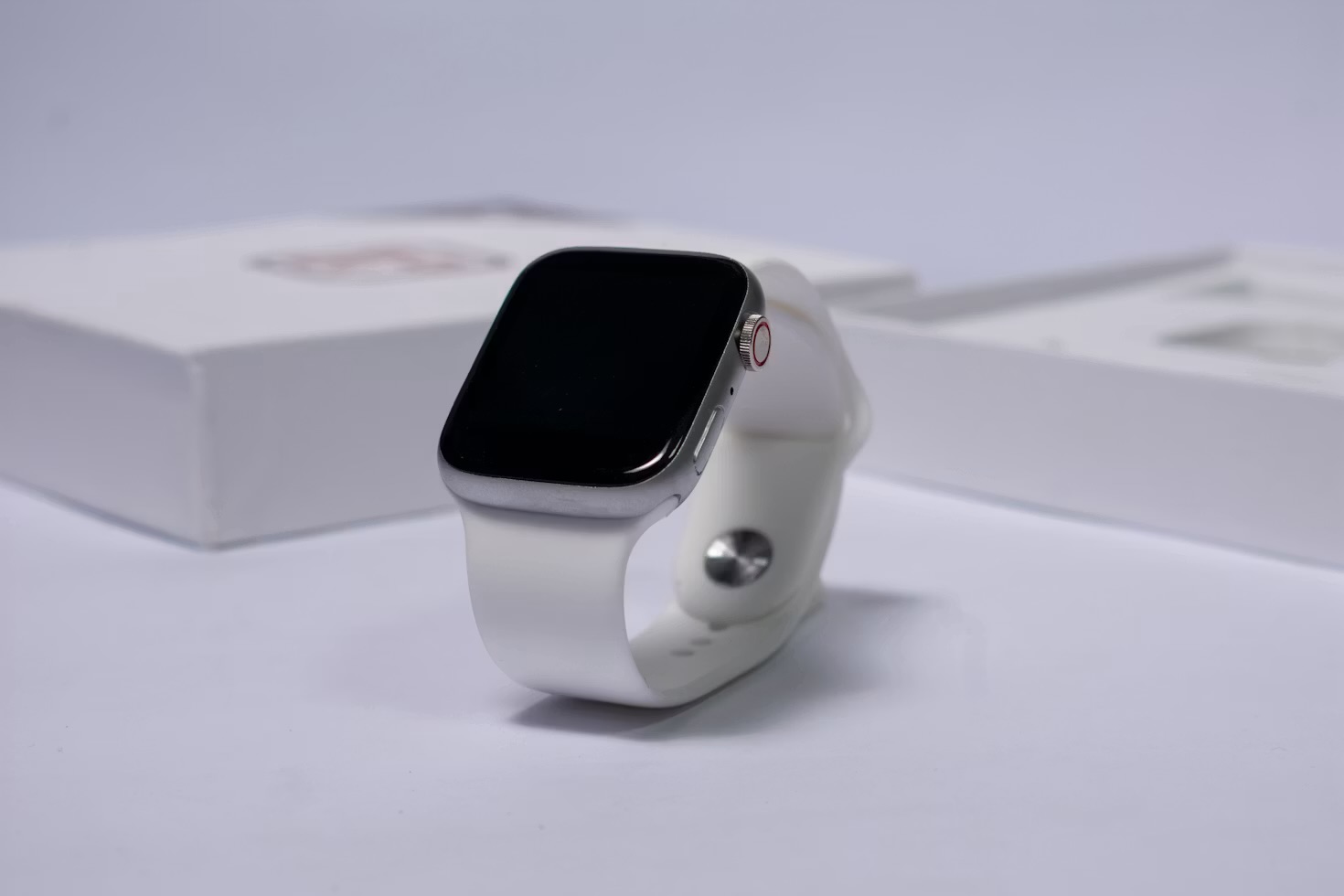
I ran myself into a dead week this spring before I ever looked at Training Load. Here's how to set it up, read it, and cross-check it against Vitals.…

I ran Superwhisper's AI dictation against Apple's built-in dictation for a month, in every app I use daily. Here's which one earned a permanent hotkey.…

I've used Todoist daily for three years. Here's the exact project, label and AI-assist setup that finally made a task system stick — six steps, step by step.…

I turned on Gemini's side panel in Gmail, Docs and Sheets for a month. Here's the real workflow — drafting, summarising and one custom Gem worth keeping.…

Raycast replaced four separate Mac apps for me: launcher, clipboard manager, window manager and AI assistant. Here's the exact 6-step build.…

I pay for Microsoft Copilot and ChatGPT at once. Here's the test I ran on my inbox and spreadsheets to see if Copilot earns its keep, or repeats what I already pay for.…

I nearly lost ten years of photos before I understood how backup actually works. Here's the simple 5-step system I now trust — free, automatic, and set-and-forget.…

I learned the same skill two ways — alone with an app, then with an AI tutor built from a proper prompt system. Here's exactly what stuck, and what didn't.…

I built the same away routine on Google Home and Amazon Alexa — locks, lights, thermostat, cameras — in the same house, to see which one I'd actually trust.…

Apple Shortcuts sits unused on most iPhones. Here's the exact step-by-step build for a one-tap morning routine that opens your apps, texts your commute and reads the weather aloud.…
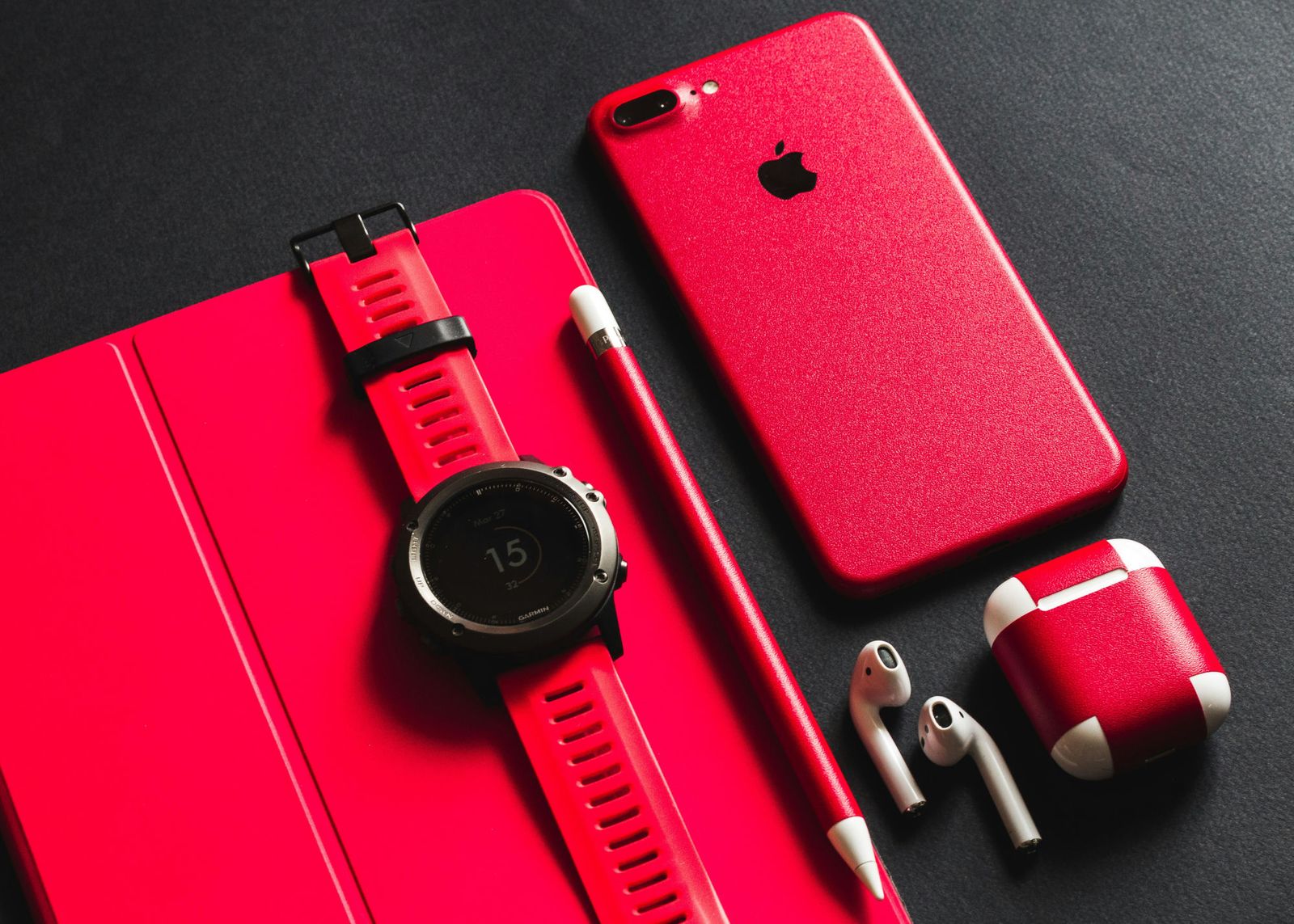
I wore a Whoop for six weeks and stopped guessing whether to train hard or rest. Here's the exact 5-step system that turns its recovery score into a real plan.…

I moved three years of scattered notes into one Obsidian vault that links itself together. Here's the exact step-by-step setup, folder by folder, link by link.…

I kept retyping the same business context into Claude every chat. Here's the Project I built so it already knows — and whether it's actually worth setting up.…

My internet has gone down three times this year and my smart home never noticed. Here's how I moved it onto Home Assistant, a free local hub, and what changed.…

I installed a Nest Learning Thermostat and an Ecobee in the same house, a heating season apart. Here's what actually separated them — and which one I kept.…

Your phone is already the best AI device you own — most people never set it up. Here are the six steps that made mine genuinely useful, in about an hour.…

I stopped fighting spreadsheets and built my money admin around AI instead. Here's the exact step-by-step system — categorising, reviewing and forecasting.…

I built a full training plan using ChatGPT instead of paying a personal trainer. Here are the exact prompts, structure and guardrails that make it genuinely work.…

Every message you send to ChatGPT leaves your machine. Here's exactly how to install a genuinely useful AI assistant that runs entirely on your own laptop, offline and free.…

I used to leave meetings with a page of scrawled fragments. Here's the exact tool chain that turns every meeting into a clean summary, owned action items, and a searchable archive.…

Most people's notes are a graveyard of scattered fragments. Here's the exact PARA-based system that turns Notion into something that actually resurfaces what you capture.…

ChatGPT already knows how to do a hundred jobs. Here's exactly how to configure one to do a single job perfectly, every time.…

ChatGPT is brilliant for general questions. NotebookLM is better at something narrower — staying grounded in the exact documents you give it.…
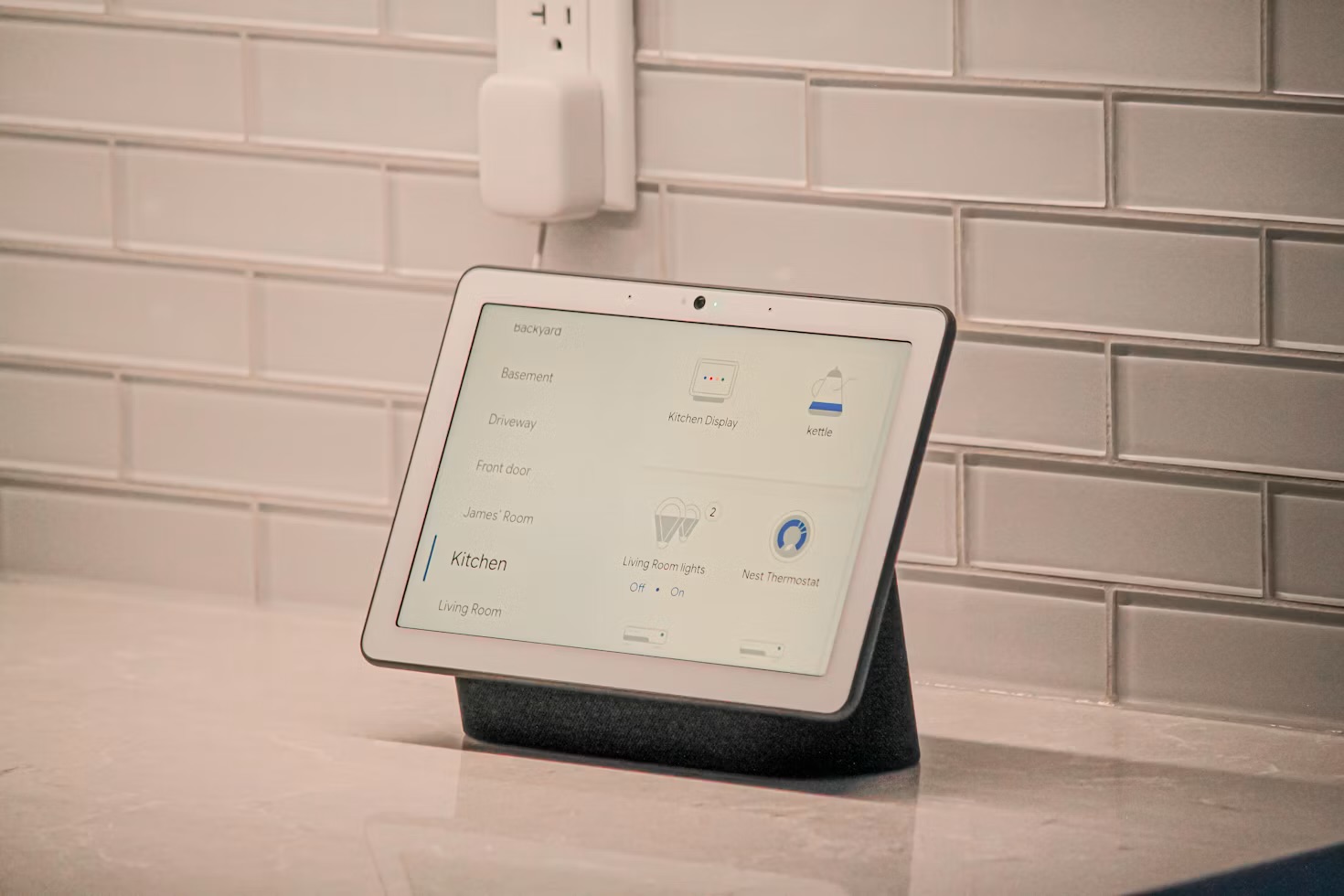
You don't need forty gadgets and a weekend of frustration. Here's the exact order to buy, install, and connect your first smart home devices.…
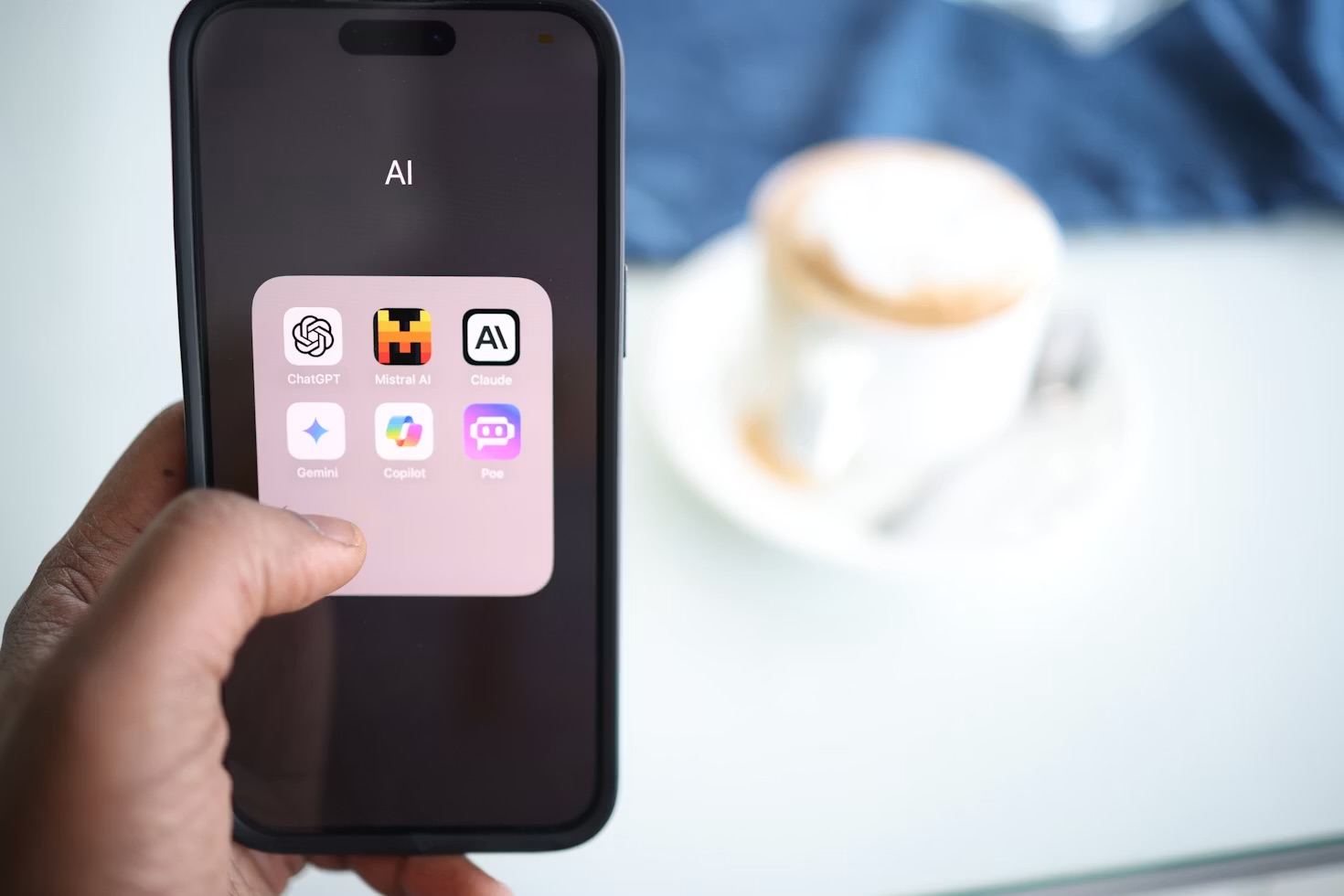
Everything you need to start using ChatGPT effectively — from your first prompt to advanced workflows that actually save time.…

Automate your inbox, content calendar, and research in under two hours. Here is exactly how to build it from scratch.…

Your smartwatch is collecting data you've never looked at. Here's what it means, and what to do with it.…
Questions people actually ask
How long does it take to actually learn to use AI?
Less than people expect for the basics, and longer than they hope for the parts that pay off. An afternoon with a free ChatGPT account is enough to stop finding it intimidating. The genuinely useful stage — where it saves real hours rather than producing novelty — comes from building two or three repeatable workflows around work you already do every week. That is why these guides are built as complete workflows rather than feature tours: knowing what a tool can do is not the same as having it in your routine.
Do I need to pay for ChatGPT to follow these guides?
For most of them, no. The free tiers are enough to learn every fundamental that matters, and each guide says explicitly where a paid plan is genuinely required rather than merely convenient. Custom GPTs are the main exception, since building them needs a paid account. The honest advice is to stay free until you hit a limit that is actually costing you something — by then you will know precisely what you are paying for, which is a far better position than subscribing first and looking for a use afterwards.
Which AI guide should I start with?
Whichever describes a problem you already have this week — that is the only ordering that matters. If you are new to AI entirely, the ChatGPT beginners' playbook is the on-ramp everything else assumes. If privacy is what has held you back, the private-AI guide gets you a genuinely useful assistant that never sends a word off your laptop. If you already use AI but nothing has stuck, the workflow guides — meeting notes, second brain, automation — are where the time actually comes back.
Are these guides kept up to date?
They are revised rather than left to date, which matters in a field that changes monthly. Each guide carries the date it was last meaningfully updated, and revisions go back into the existing page rather than becoming a new post, so the URL you bookmark stays the current one. Where a tool has changed enough to alter the advice, the guide changes with it — and where something recommended here has stopped being the best option, that gets said plainly rather than quietly dropped.