I bought Ray-Ban Meta glasses expecting a camera with a gimmick attached. Several months in, the camera is the part I use least — it's the AI assistant talking in my ear while my hands are full that's actually changed how I get through a day.
I'll say the obvious thing first: they look like normal Ray-Bans, which is most of the point. Nobody in a meeting or on the street clocks them as anything other than sunglasses, and that's exactly why I still put them on most mornings instead of leaving them in a drawer after the novelty wore off, which is what happened to almost every other wearable I've tried.
The short version: what Ray-Ban Meta glasses are good for
Months in, they do five everyday jobs for me:
- Questions while my hands are busy. Cooking, walking the dog, loading the dishwasher: say "Hey Meta" and ask.
- Follow-up questions. It keeps the thread, so the second question doesn't need the first one repeated.
- Calls on the move. The speakers are open-ear, so I still hear traffic and the person next to me.
- Background music. Fine while I'm doing something else, thin when the music is the point.
- The photo I'd otherwise miss. The dog mid-sprint, or a whiteboard nobody wants to pause a meeting for.
Meta also lists live translation, describing what you're looking at, and calls and messages over WhatsApp, Messenger and Instagram. It's the first job on my list, though, that earned them a permanent place on my face.
What I actually reach for them for
Not photos, whatever the marketing implies. The camera is genuinely good for the one thing a phone camera is bad at — capturing a moment without pulling anything out of your pocket, which matters exactly twice a week for me: my dog mid-sprint, or a whiteboard sketch in a meeting nobody wants to pause for. Outside those moments, my phone camera is still better and I know it.
What I actually reach for them for, most days, is Meta AI while my hands are doing something else. Chopping vegetables and asking how long to blanch green beans. Walking the dog and asking it to convert a recipe measurement. Loading the dishwasher and asking it to check tomorrow's weather before I've dried my hands. None of that is impressive written down. It's the accumulation of a dozen small "I'd normally get my phone out for this" moments a day that quietly disappearing is what earned them a permanent spot on my face.
The bit that surprised me: it's genuinely conversational
I've written before about running my own AI assistant setup with a phone shortcut in my phone AI assistant guide, and the glasses do something that setup never quite managed — they let you follow up without breaking stride. Ask "what's this album playing" and it names it; ask "who's the drummer" straight after and it keeps the thread rather than treating it as a fresh, disconnected question. That continuity is what separates it from shouting a one-off command at a smart speaker, and it's the reason I now genuinely prefer asking it things out loud over typing them.
It's also, unavoidably, an AI tool like every other one I cover here: confidently wrong often enough that I've stopped trusting it with anything that matters. It got a football score wrong with total confidence, misheard "Berlin" as "Dublin" mid-question on a windy day, and once simply said it didn't have live information for something it clearly should have. I've learned to treat it the way I treat any voice assistant — brilliant for things where being roughly right costs nothing, and something I double-check on my phone the moment it actually matters.
"The glasses didn't replace my phone. They replaced the twenty small reasons a day I used to get it out."
Calls and music: the quietly useful bit
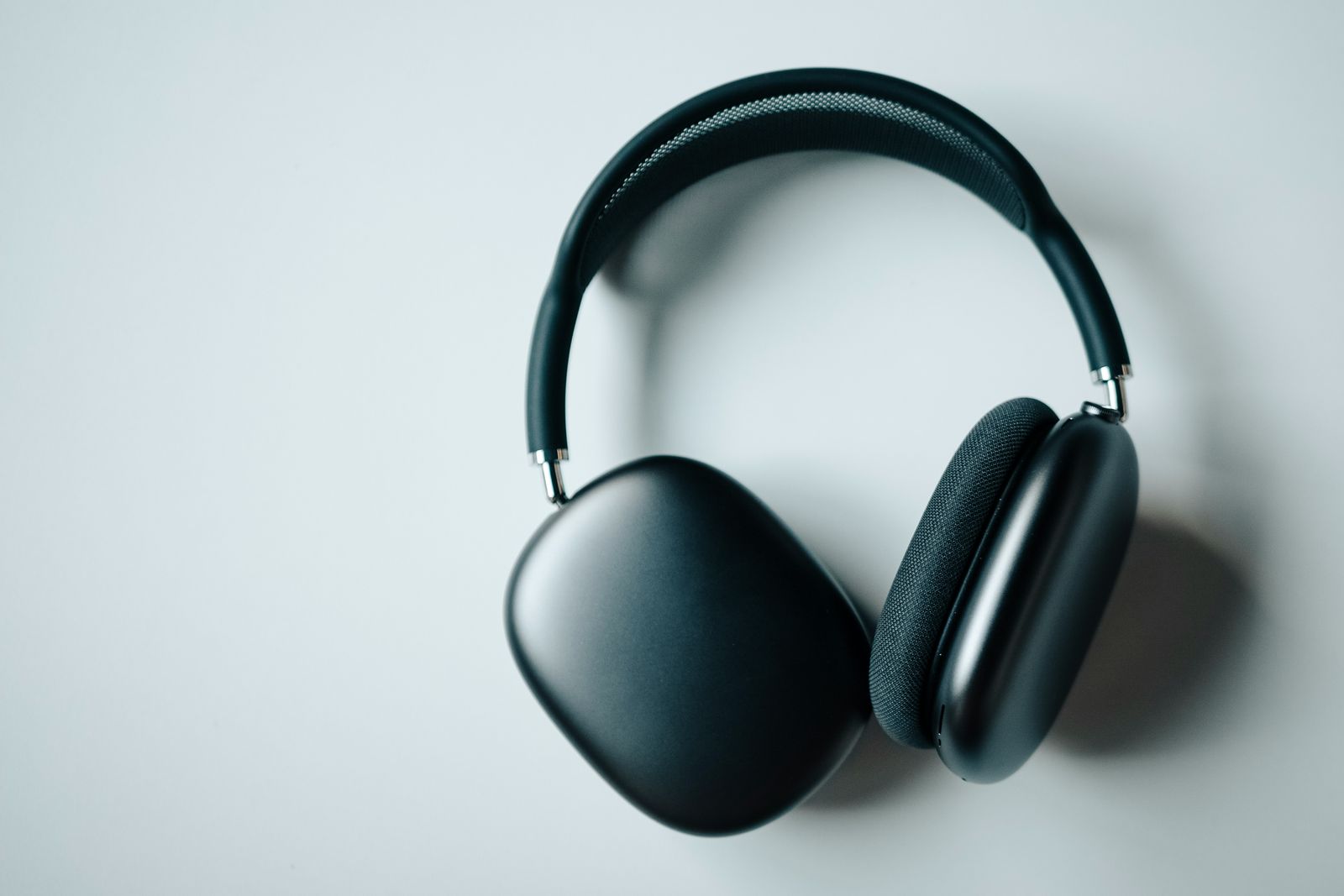
The open-ear speakers are better than I expected and worse than a proper pair of headphones — which is exactly the trade-off you'd guess, and it's the right one for what these are for. I take calls on them walking the dog without anything in my ears, and I can still hear traffic and the person next to me, which matters more to me at 6:45am on a road with no pavement than the sound quality does. Music sounds thin compared with the noise-cancelling pair I tested for 30 days — this was never going to win that comparison, and I don't reach for the glasses when music is actually the point of the next hour.
Compared with an AI pendant, which I wore for a month specifically to capture conversations, the glasses are the opposite philosophy: nothing is recorded or transcribed by default, and the AI only wakes up when I say its name or press the frame. After a month of the pendant's constant-listening discomfort, that on-demand design is the single biggest reason the glasses have stuck around longer.
Where the daily friction actually is
- The battery genuinely runs out mid-afternoon on a heavy day. A morning of music, a couple of calls and enough AI questions and they're down to nothing by 3pm. The charging case rescues this — a few minutes buys another hour or two — but the case has to actually be in my bag, which took a couple of forgetful days to become habit.
- Prescription lenses are not a small add-on cost. I wear glasses daily anyway, so this was never optional for me, and the lens upgrade adds a real amount on top of the frame price — a cost anyone without existing glasses is paying for a feature they don't need.
- The recording LED doesn't do the social work you'd hope. It's honest, but almost nobody notices it unless they already know to look. I now say "these have a camera" rather than trust the light to do that job for me.
How this fits against everything else on my face and wrist
I still wear a watch. The glasses haven't replaced it — they've replaced the phone-out moments a watch never could reach, because a watch can't hear a question and answer it out loud. If you're weighing up where AI assistants actually belong across a body of wearable tech rather than just glasses, that's the exact question my wearables and fitness tech hub is built around — this is one answer among several, not the only one.
The honest verdict after months, not a launch-week impression: they've earned a permanent place on my face for one reason — hands-free AI questions during everyday tasks — not for the camera the marketing leads with. Worth it if you already wear sunglasses or prescription glasses daily and want the assistant folded into something you're wearing anyway. Skip it if you're buying purely for the camera, or if you don't already carry Meta into the rest of your digital life.
Meta isn't going to have this category to itself much longer, either — Samsung just launched its own Gemini-powered pair, and my honest reaction to the announcement is that it's a credible competitor on paper without changing anything about which part of this experience I actually rely on daily.
What I'd tell a friend before they buy a pair
Don't buy them expecting a camera upgrade over your phone — buy them for the moments your hands are full and your phone is in another room. Charge the case daily, not the glasses, and build that into whatever routine already charges your phone. And go in expecting Meta AI to be occasionally, confidently wrong — treat it the way you'd treat a chatty colleague who's usually right but never checks their sources. Worth saying too: this is the one place I've actually chosen to have Meta AI in my life, which is a very different thing from having it show up uninvited in apps I never asked it to join. If you want the next honest gadget verdict before it goes anywhere else, join the Brite newsletter — I only write when something's actually worth saying.
The one thing they have not replaced is proper listening. Open-ear speakers are ideal for a spoken answer and poor for anything you actually want to hear well, which is the same conclusion I reached from the opposite direction when I went back to wired headphones — and it had very little to do with sound quality.
If you've just got a pair: the four controls to learn first
Everything else can wait. These come straight from Meta's own help pages:
- Meta AI: say "Hey Meta", or tap and hold the touchpad on the outside of the right arm.
- Photo or video: press the capture button on top of the right arm, near the hinge, for a photo. Press and hold it to start a video, and press again to stop. "Hey Meta, take a photo" works too.
- Audio: tap the touchpad once to play or pause, swipe forward or back for volume, double-tap to skip forward and triple-tap to skip back.
- Your phone: setup, settings and your photos all live in the Meta AI app, on iPhone or Android. Keep the phone in range, because most features run through it.
Questions people actually ask
What can Ray-Ban Meta glasses actually do?
They take photos and video, play audio through open-ear speakers, handle calls and messages over WhatsApp, Messenger, Instagram or your phone, and answer questions through Meta AI, including describing what you're looking at and translating a conversation into your ear. Day to day, the one that matters most to me is asking Meta AI questions while my hands are full.
Do Ray-Ban Meta glasses need a phone connection to work?
Yes, for almost everything that matters. Music, calls and every Meta AI question route through the Bluetooth connection to your phone's data, so the glasses themselves are close to useless the moment your phone is out of range or has no signal. The only things that work fully standalone are taking a photo or short video, which the glasses save locally until they reconnect.
Do Ray-Ban Meta glasses work with an iPhone?
Yes. They pair through the free Meta AI app, which runs on both iPhone and Android, and that app is where setup, settings and your photos live.
How long does the battery actually last with daily use?
Roughly a normal working day of mixed use for me — some music, a handful of AI questions, a few photos — but heavy use of the camera or long voice conversations with Meta AI drains it noticeably faster. The charging case adds several full charges on top, which is the part that actually makes daily use realistic; I charge the case, not the glasses, and rarely think about it. For reference, Meta quotes up to eight hours of typical use for the Gen 2 model launched in September 2025, about double the original, and up to 48 more hours from the case; 20 minutes on charge takes the glasses up to 50%.
Can you use Ray-Ban Meta glasses without the AI features?
Yes — you can ignore Meta AI entirely and just use them as camera glasses with open-ear speakers for music and calls, and plenty of people do exactly that. I went in expecting to be one of them and ended up using the assistant daily anyway, which surprised me more than anything else about them.
Are Ray-Ban Meta glasses noticeable as recording devices?
There's a small white LED that lights up while recording, which is meant to make it obvious. In practice most people don't notice it unless they're looking for it, and I've had more than one conversation where someone only clocked what the light meant after I explained it. I've settled into telling people upfront rather than relying on the LED to do that job for me.