I've worked off a laptop, exclusively, for fifteen years. Not because I ever compared it properly to anything else — because a laptop was always the safe default for someone who edits from a kitchen table one week and a coffee shop the next. Three weeks ago I built my first desktop PC. I expected faster exports. I didn't expect how much else about my working day would change with it.
This isn't a spec-sheet review — plenty of sites already do benchmarks better than I can. This is what actually happened in the first week of moving my whole workflow off a laptop and onto a machine that never leaves one desk.
Why I finally gave up on laptop-only
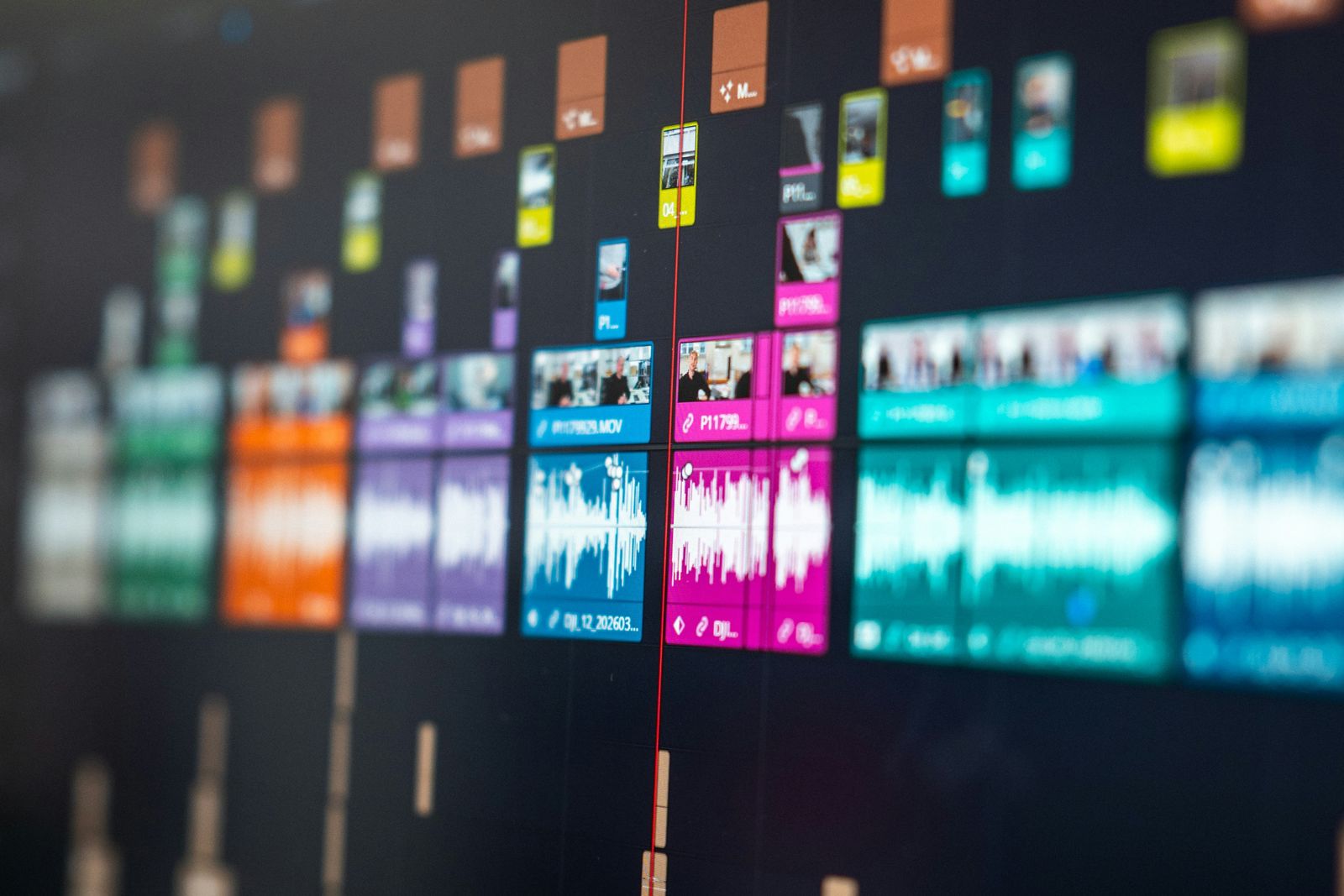
The laptop wasn't broken. It was just quietly losing to a specific, repeated task: exporting video. Even after I switched to an AI editor that cuts by editing text instead of scrubbing a timeline, the transcript-based rough cut still had to render out as a real video file at the end, and that's the part a thin, fanless-ish laptop chassis has never been built to sustain. Twenty minutes into a long export, the fans would be flat out, the case would be warm enough to feel through the desk, and the export itself would visibly slow down partway through — not crash, just quietly take longer than the first few minutes suggested it would.
I'd assumed that was just what exporting video felt like. It isn't. It's what exporting video on hardware built to prioritise battery life and thinness over sustained performance feels like.
What building it actually involved
I built it myself rather than buying something off the shelf, mostly so the budget went toward the two parts that actually speed up editing — the processor and the storage drive — instead of a case with lights in it I didn't ask for. The one deliberate splurge was liquid cooling: a closed water loop instead of a plain air cooler, specifically because I knew I'd be sitting a couple of feet from this thing for hours at a time, and a laptop had at least trained me to expect quiet.
Putting it together took an evening, most of which was spent double-checking cable routing rather than anything technically difficult. The genuinely nervous moment was the first power-on — plenty of stories online about a loose connection frying something expensive — but it posted first try, no drama.
The first surprise: how quiet it actually is
I expected a desktop to be louder than a laptop, if anything — bigger fans, more of them. The opposite happened. Under normal use it's closer to silent than my old laptop ever was, because the watercooling loop and the case fans are moving air gently across a much larger area instead of one small fan spinning hard to keep a cramped laptop chassis from overheating. It only becomes audible at all during a genuinely heavy export, and even then it's a low, steady hum rather than the higher-pitched whine I'd gotten used to.
What actually got faster
The number that mattered most: the same ninety-minute video that used to take roughly forty minutes to export on the laptop now takes under twelve, start to finish, at full speed the entire time — no mid-export slowdown. That gap alone is the whole justification for the switch, because it's not a one-off saving, it's every single video from now on.
Everything around the edges got faster too, just less dramatically: scrubbing through 4K footage while I'm still deciding what to cut, having the editor, a browser with research tabs, and a messaging app open at once without anything stuttering, and going from cold boot to actually working in under a minute. None of those were painful before. They were just quietly slower in a way I'd stopped noticing until I had something to compare them to.
"I didn't build this to be faster at everything. I built it to stop losing the last twenty minutes of every export to a machine that was trying its best in a body too small for the job."
What I miscalculated
The obvious one: it doesn't move. Everything I used to do from a different room, or genuinely away from the house, now has to happen at this one desk, or on the much older, much slower laptop I've deliberately kept around purely for being portable. I underestimated how often "just take the laptop" was the actual plan for a working day, not a backup one.
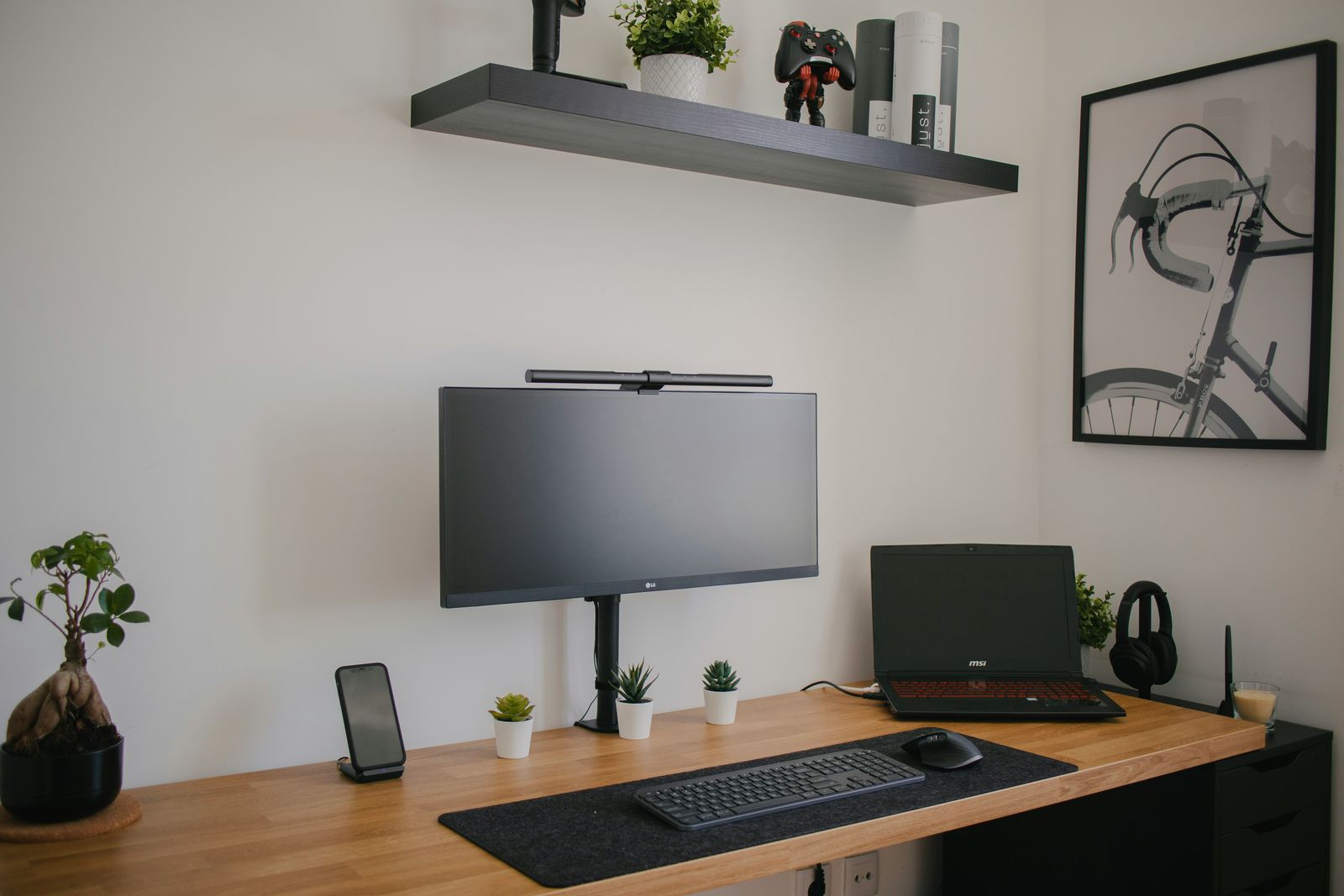
The less obvious one is that a faster machine doesn't fix a bad desk. I moved editing off a slow laptop and straight into the same monitor arrangement I'd already spent time getting right after ditching a second screen — which turned out to matter more than I expected, because a single fast machine still needs somewhere sensible to put its output. The desk itself is now the bottleneck I hadn't planned for.
The honest verdict: A desktop PC is a genuinely large upgrade for anyone who edits, exports, or renders anything on a repeated basis — the performance gap over a thin laptop isn't subtle, and it compounds every single time you use it. It's a real downgrade for anyone who actually needs to work from more than one location during a normal week. It didn't make me more productive in general; it made one specific, repeated task dramatically less painful, and left everything else roughly where it was.
What I'd tell someone considering the same switch
Don't do it to chase a spec sheet. Do it if you can point to one specific, repeated task on your laptop that visibly slows down or overheats under sustained load — that's the gap a desktop actually closes. If you can't point to one, you'll likely get a faster machine and not much else, which is a lot of disruption for a marginal gain. It's the same test I've ended up applying to every desk gadget that's actually earned a permanent spot here rather than getting quietly returned: it has to fix one specific annoyance, not just sound good in the abstract.
Three weeks in, I haven't touched the old laptop for anything involving video, and I don't expect to. If you want the next honest verdict before it goes live, join the Brite newsletter.
Questions people actually ask
Is switching from a laptop to a desktop PC worth it for video editing?
Yes, if you export or render regularly. A desktop can sustain full performance for as long as an export takes because it has real airflow and often liquid cooling, where a thin laptop throttles itself down once it gets hot. The gain shows up most on the longest, most repetitive jobs — exactly the ones that used to eat an afternoon.
Do you need watercooling in a desktop PC, or is it just for looks?
It's not required, but it earns its place if you work near the machine for hours. A good air cooler can handle the same chip, but mine is noticeably quieter under sustained load with a liquid loop, which matters more once you're used to a silent laptop and suddenly sat next to a machine working hard.
What do you lose by switching from a laptop to a desktop?
Portability, mostly. Everything I used to do from a kitchen table or a coffee shop now has to happen at one desk, or on a much less powerful laptop I've kept purely for being out of the house. If you genuinely work from different rooms or locations during the week, that's a real cost, not a minor one.
Was building your own desktop PC actually cheaper than buying a prebuilt one?
Close enough that it wasn't the deciding factor for me. Building it myself meant I could put the budget specifically toward the parts that speed up video editing — the processor and the drive — instead of paying for RGB lighting or a case I didn't need, which is the real saving over a generic prebuilt at the same price.
How long did it take to notice the difference after switching to a desktop?
Immediately on the first export, and within the first week on everything else. The render-time difference was obvious in minutes; the fact that I could keep working at full speed on hour three of a session, instead of watching things slow down, only became clear after a few full working days at the new desk.