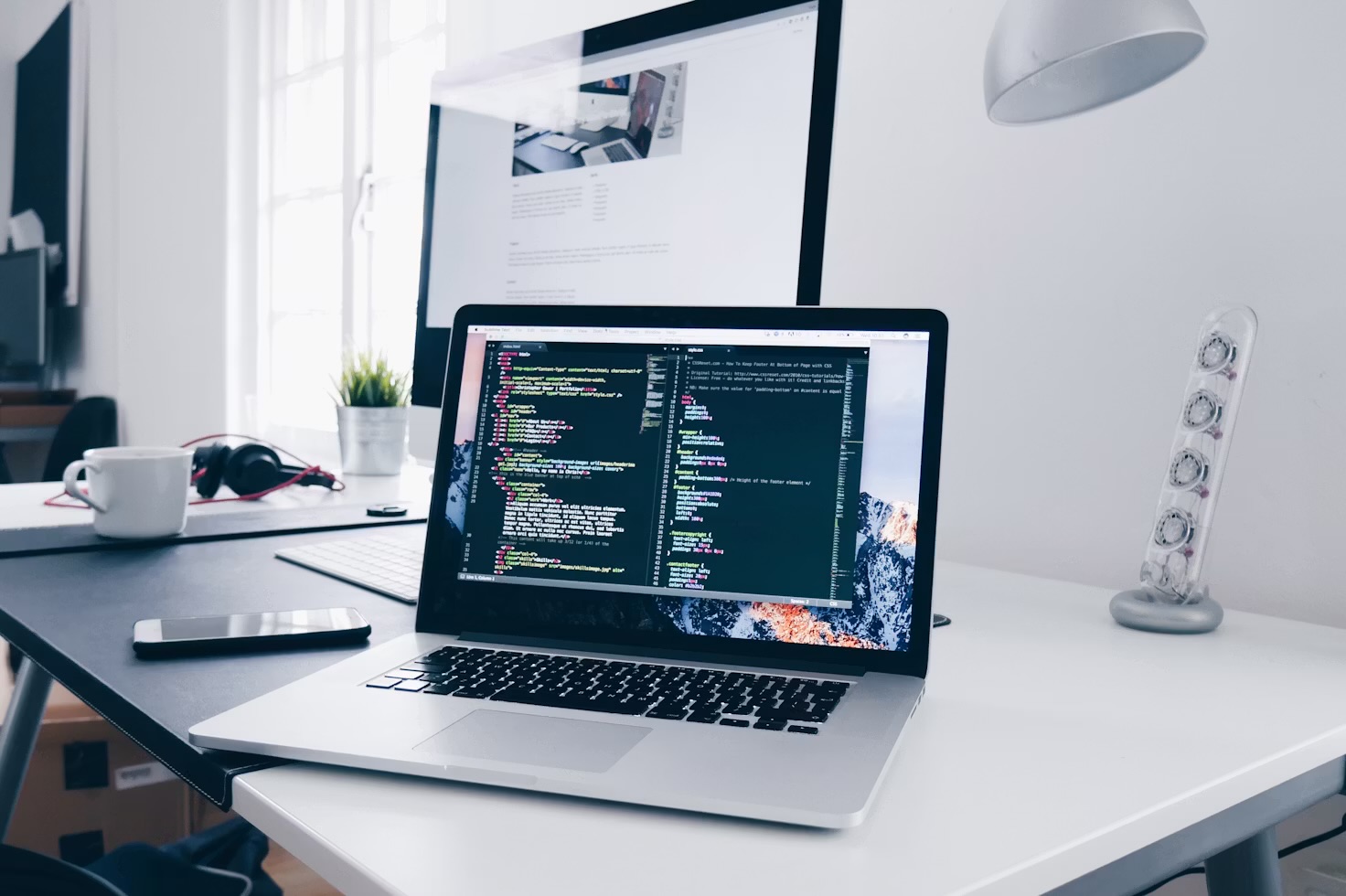
For three years I ran two monitors side by side and told anyone who'd listen that it was the single best productivity upgrade I'd ever made. Last month I unplugged the second screen, boxed it up, and haven't missed it once. I didn't expect to feel relieved. I expected to feel like I'd lost an arm.
Walk into any "productivity setup" video on YouTube and you'll see the same shot: a desk with two, sometimes three, monitors arranged in a gentle curve, code on one, Slack and email on another, a browser tab graveyard spilling across both. It's become shorthand for taking your work seriously. More screen real estate, the logic goes, means more of your work visible at once, which means less time spent switching between windows. I believed that logic completely. Then I actually paid attention to what the second monitor was doing to my day.
What the second screen was actually for
My setup was a 27-inch primary screen for whatever I was actually working on, and a second 24-inch screen to the right for "everything else" — email, Slack, a calendar widget, a browser with eleven tabs I told myself I'd get back to. On paper, that's exactly the workflow every setup guide recommends: keep your reference material visible so you're not constantly reopening it. My desk has changed more since then than the screens ever did, mostly because I added an under-desk walking pad and started taking calls on my feet.
In practice, that second screen became a permanent, glowing invitation to look away from whatever mattered. I didn't switch to it because I needed something on it. I switched to it because it was there, lit up, six inches from my primary field of view, doing the exact job a phone on the desk does — except I'd built an entire ergonomic setup that made checking it effortless instead of slightly annoying.
The moment I actually noticed the cost
I started timing myself, out of nothing more than curiosity, using a simple screen-time tracker that logs which app has focus. Over one working week, I looked at the "auxiliary" monitor 190 times a day on average. Not opened a new tab, not searched for something — just glanced, most of the time for under four seconds, then looked back. Four seconds sounds trivial. Multiplied by 190, it's over twelve minutes of pure attention-switching a day, and that number doesn't even count the seconds it takes your brain to re-load the actual task afterwards, which researchers studying task-switching put at anywhere from twenty seconds to several minutes depending on how deep you were.
The second monitor wasn't saving me time by keeping things visible. It was costing me focus by keeping things visible. There's a difference between "available if I need it" and "impossible to ignore," and my dual-monitor setup had quietly slid from the first into the second without me clocking it.
"I didn't buy a second monitor to get distracted more efficiently. But that's roughly what three years of habit had turned it into."
What single-screen life actually looks like
I'm not working on a tiny screen out of self-punishment — I moved to one 32-inch display, slightly larger than either of my old two, so I'm not short on pixels. The difference is entirely about what's allowed to be visible without me choosing to make it visible. Email lives in a browser tab I have to click into. Slack is the same. My calendar is a glance-and-close widget I open on purpose, not a permanent fixture in my peripheral vision.
The first week felt genuinely worse. I caught myself turning my head to the right out of pure muscle memory, looking at a wall where a monitor used to be. Copy-pasting between two documents that used to live on separate screens now meant either two windows tiled on one screen or a manual Alt-Tab, and both felt clumsier than the old setup for the first few days.
By week two, something had flipped. The friction of having to deliberately open Slack, rather than have it always in view, turned out to be the entire point. I check it in batches now — roughly once an hour — rather than every time my eyes drift right. Deep work blocks that used to get quietly nibbled away by a dozen four-second glances now run uninterrupted far more often, not because I've developed some new reserve of willpower, but because the path of least resistance changed. Looking at nothing is now the default. Looking at Slack takes an action.
Where I think the advice actually still holds
- If your second screen genuinely holds work, not distraction, a second monitor still earns its desk space — video editors with a preview screen, developers with logs on one side and a browser on the other, anyone whose second display is a tool rather than a notification feed. The problem was never the extra pixels. It was what I chose to put on them.
- If you already have strong discipline around notifications and app switching, none of this may apply to you the way it applied to me. I'm describing my own attention, not a universal law of ergonomics.
- Laptop-only workers may find the opposite is true — going from one small screen to any second display can be a genuine upgrade if you're currently squeezing two documents into one 13-inch window. Context matters more than the headline advice either way.
I was that laptop-only worker myself until recently, which is exactly why switching from a laptop to a desktop PC changed the calculation again — the same single-monitor discipline now sits in front of a machine that can actually drive it properly, instead of a 13-inch screen doing double duty.
The honest verdict: the second monitor wasn't the productivity tool I thought it was — it was a second monitor's worth of surface area for my attention to leak out of. One screen, chosen deliberately for what stays on it, has done more for how much I actually finish in a day than the extra display ever did.
What I'd tell past-me
I don't think the industry consensus around multi-monitor setups is wrong for everyone — it's wrong for the specific, common case of using the second screen as a permanent notification surface rather than an active work surface, which is exactly what mine had become without any deliberate decision on my part. If you're going to run two screens, the question worth asking isn't "would more space help me," it's "what, specifically, is going to live on the second one, and would I be better off if that thing required an extra click to reach." For me, the honest answer was yes. Your desk may well be different. Mine, for now, only has one screen on it, and I'm getting more done because of it, not despite it. It's the same lesson I later relearned on the device in my pocket when I turned my phone greyscale for 30 days — the less a screen can offer, the less of my attention it can quietly take.
If you want the next honest take before it goes live, join the Brite newsletter — no fluff, just what's actually worth your money.
Taking the second screen away changed what I looked at; changing height changed how long I could keep looking. The two go together more than I expected, which is the short version of what thirty days on a standing desk actually did.
Cutting the second screen was part of a wider habit of removing things rather than adding them. The other half of that was swapping a paper notebook for an e-ink tablet — same instinct, much less certain verdict.
It's the same restraint that's kept me off the annual phone upgrade cycle — more isn't automatically better on a desk any more than it is in a pocket.
Removing things does leave room for the occasional small addition, and the one I tested next was deliberately trivial by comparison — a heated mug that sat on the desk for a week, which earned its space for a much narrower reason than the marketing suggests.
Questions people actually ask
Do dual monitors actually improve productivity?
Only if the second screen holds active work rather than a notification feed. Mine had quietly become a permanent home for email, Slack and a calendar — I measured myself glancing at it 190 times a day, over twelve minutes of pure attention-switching before you even count the time it takes to re-load the task afterwards. The extra pixels were never the problem; what I chose to put on them was.
Is one big monitor better than two smaller ones?
For me, yes. I replaced a 27-inch and a 24-inch with a single 32-inch display, so I'm not short on pixels — the difference is that nothing is visible unless I deliberately open it. Deep work blocks now run uninterrupted far more often, not through willpower, but because checking Slack takes an action instead of a glance.
Who should keep a second monitor?
Anyone whose second display is a tool rather than a feed: video editors with a preview screen, developers with logs on one side, anyone genuinely working across both. And if you're on a 13-inch laptop screen, adding any external display can be a real upgrade — my experience is about the common case of using screen two as a permanent notification surface, not a universal law.
How long does it take to adjust to a single monitor?
About two weeks, honestly. The first week felt worse — I kept turning my head to a monitor that wasn't there, and copy-pasting between documents felt clumsier. By week two the friction of deliberately opening Slack became the entire point: I now check it in batches roughly once an hour instead of every time my eyes drift right.