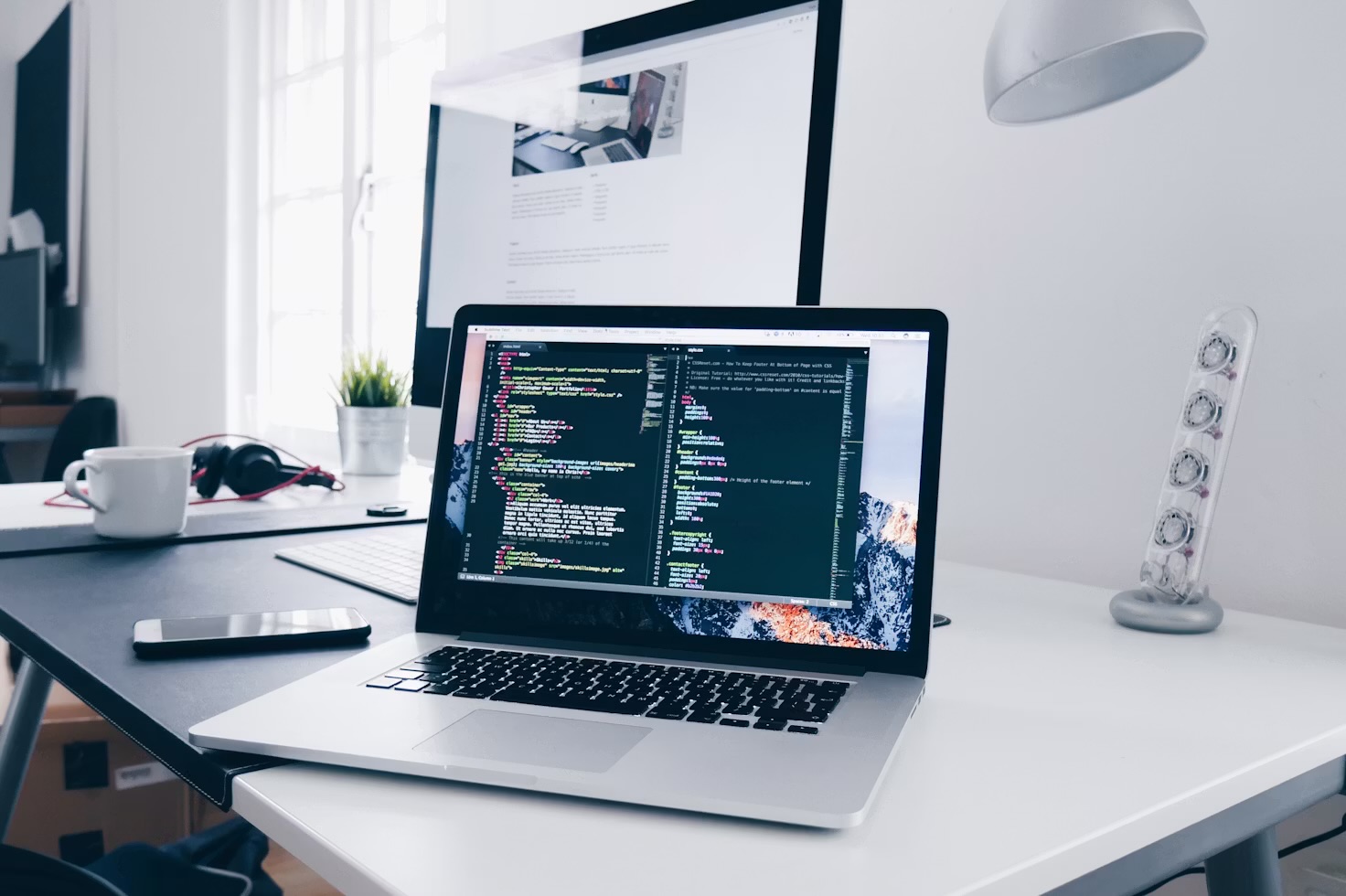
A slim grey slab turned up in a box the size of a coffee table, I slid it under my standing desk, and for a week I answered emails at a slow amble instead of a dead stop. This isn't the tidy thirty-day verdict — it's the messier, more honest account of the first seven days, including the two mistakes I made in the first hour and the moment it genuinely won me over.
I've been resisting a walking pad for about a year. It felt like the peak of trying-too-hard desk culture — the sort of thing you buy, use twice, and then trip over for the rest of its life. But my step count had quietly collapsed. A working-from-home day was leaving me on about four thousand steps, most of them the walk to the kettle and back, and no amount of good intentions in the evening was fixing it. So I finally caved, bought the pad, and decided to write down what the first week was actually like rather than wait for the flattering month-long version. Here's what surprised me.
The setup took ten minutes and my first two decisions were both wrong
Physically it's the least fussy gadget I've unboxed all year. There's nothing to assemble — you unfold it, plug it in, and it works. It slid under my existing sit-stand converter with room to spare, and the little remote lives in a magnetic dock on the front. So far, so easy.
What I got wrong was everything about how I used it. First mistake: speed. I started at 4 km/h because that felt like "walking," and within ten minutes I was faintly out of breath on a call and my typing had turned to mush. Second mistake: I tried to do everything on it — including a fiddly spreadsheet that needed precise clicking, which at walking pace is like trying to thread a needle on a train. Both problems had the same fix, and I only worked it out by the end of day one: go slower, and match the task to the movement.
The speed that actually works is slower than you'd guess
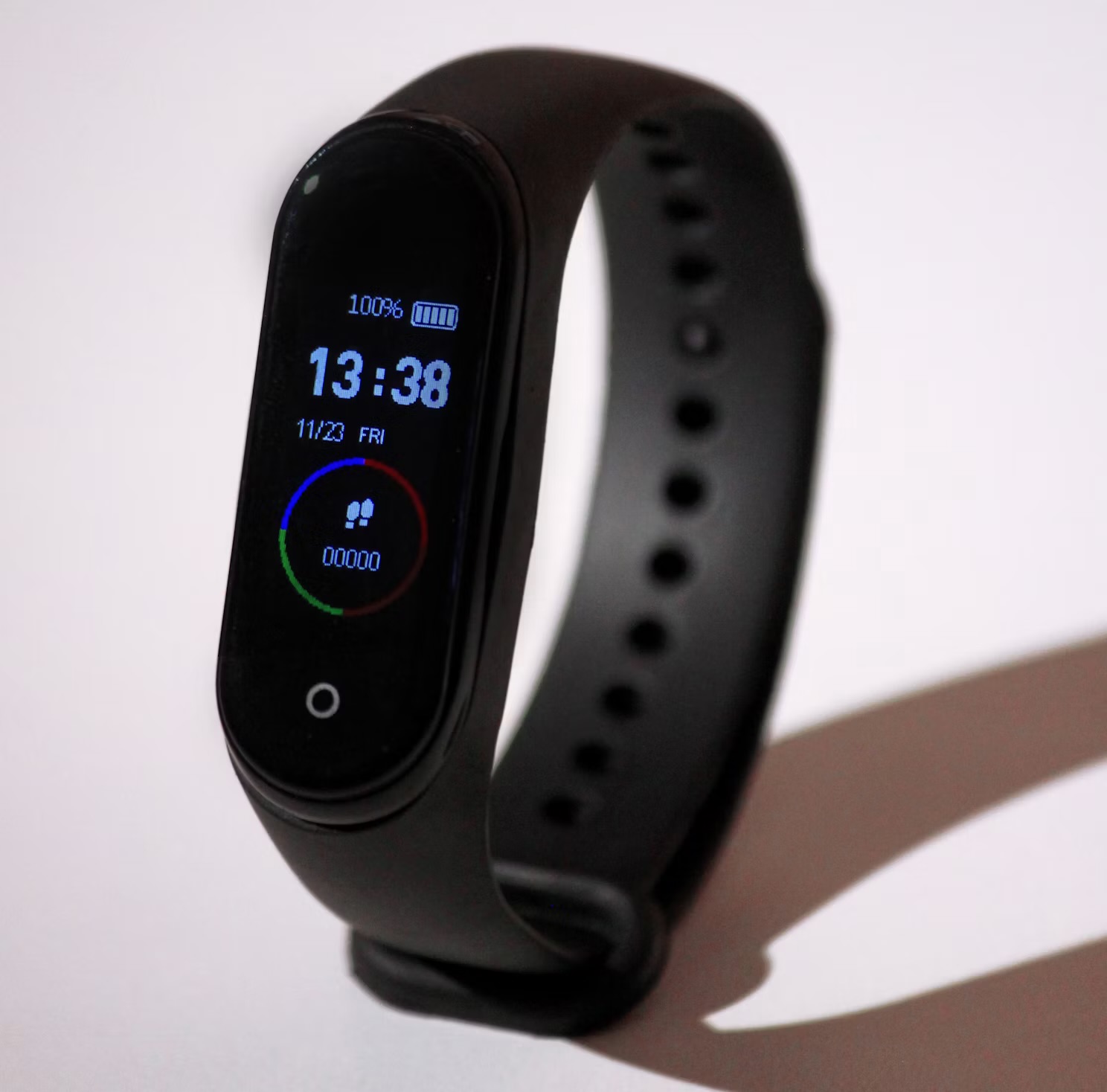
By day two I'd dropped to around 2.5 km/h, which barely counts as walking — it's an amble, the pace you'd move at wandering round a museum. And that turned out to be the whole trick. At that speed I stopped noticing I was moving. Calls felt normal. Reading felt normal. I could think. But the step counter on my watch kept ticking upward in the background, which is exactly the deal I wanted: movement I didn't have to spend willpower on. This is the same lesson I keep relearning about my standing desk converter — the win isn't intensity, it's just not being frozen in one position for eight hours.
The numbers, even in one week, were the part that genuinely surprised me. My four-thousand-step days became eleven- and twelve-thousand-step days without a single deliberate "walk." I wasn't exercising more; I was just doing my ordinary work upright and moving instead of collapsed in a chair. For someone who spent years assuming the ten-thousand-step target was mostly marketing, hitting it by accident before lunch reframed the whole thing — it turns out the number isn't the point, the not-sitting is.
"I didn't add a workout to my day. I subtracted the eight hours of stillness I didn't know were the problem."
What worked, and what quietly annoyed me
Calls became my favourite time to walk. Anything where I'm listening more than typing — a call, a long read, thinking through a problem — is perfect walking-pad territory. By the third day I was actively looking forward to meetings because they were now the part of the day I got my steps in. That's a sentence I never expected to write.
The 3pm slump softened. Not gone, but softened — the same effect I noticed when I first started standing to work, except more so. A gentle amble through the afternoon kept me from sinking into the foggy, heavy-limbed version of tired that used to arrive with the mid-afternoon.
Typing and precision work are genuinely worse while moving. This is the honest limitation. Long-form writing, detailed spreadsheet work, anything needing a steady cursor — all measurably harder at a walk. I don't fight it any more; I stop the belt, plant my feet, and do the fiddly stuff standing still, then start moving again for the next call. Trying to walk through everything is the fast route to giving up.
It's not silent. Quiet, but there's a low hum and the soft rhythm of your own footsteps, which you hear on calls even if the other person doesn't. In a shared or open-plan space I suspect it would be a real problem; in my home office it faded into background noise by day three.
It eats floor space. When I'm not using it, it's still a large flat object living under my desk. It folds, technically, but I know I'll never bother, so I've made my peace with it as a permanent fixture rather than a tidy-away gadget.
The single tweak that made it stick
The change that turned this from a novelty into a habit was pairing it with a rule, not a schedule: walk for calls and reading, stand or sit for typing. Once I stopped trying to walk continuously and started letting the task decide, the whole thing became effortless. I'd guess I'm moving maybe three or four hours of an eight-hour day, in scattered stretches, and none of it feels like effort I'm spending.
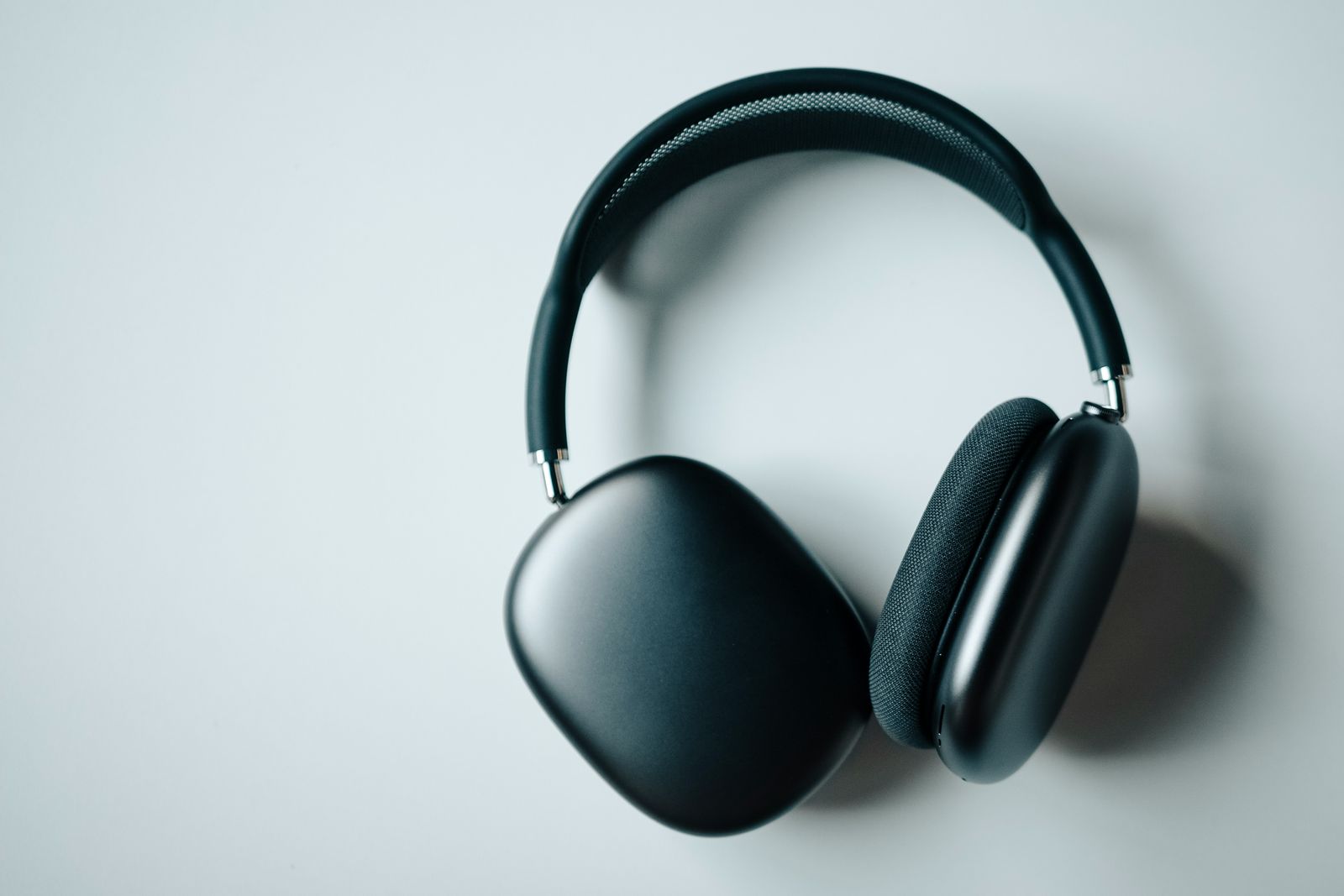
I also stopped watching the speed and the stats after day two. The temptation with any new bit of tech is to gamify it — push the pace, chase a bigger number — but that's exactly the instinct that made day one exhausting. The pad works precisely because it's boring and slow and forgettable. The moment it becomes a workout you're staring at, you'll resent it. When I genuinely want to concentrate on writing, I do it the way I always have — feet planted, a pair of noise-cancelling headphones on — and save the belt for the lighter half of the day. It slots neatly into the wider kit I've been assembling to work better rather than just harder, most of which lives in my running notes on wearables and fitness tech.
First-week verdict: Cautiously sold. It won't replace real exercise and it makes precise work harder, but it tripled my daily steps without me scheduling a single walk, and it did it during work I was doing anyway. If you already have a standing desk and your step count has quietly died, this is the most effortless movement upgrade I've tried. Ask me again in a month whether the novelty survives — but week one made a strong case.
Would I tell a friend to buy one?
If they already work standing, yes — with two warnings. Go slower than instinct tells you, and don't expect to walk through your whole day; the pad is for the listening half, not the typing half. And be honest with yourself about the floor space, because this is not a gadget you'll neatly stow away. But a week in, the thing I keep coming back to is how little it asks of me. There's no discipline involved, no calendar block, no gym bag. I just work the way I already do, except I'm moving, and the steps happen on their own. For a device I spent a year sneering at, that's a surprisingly humble little win.
If you want the honest verdict on the next thing I test before it lands on the site, join the Brite newsletter — no hype, just what actually earned its place in my week.
The walking pad added something to the desk; the change I noticed more was taking something away. Dropping to a single monitor did more for how much I actually finished.
Movement is the easy half to add. Knowing what to do with the rest of the week is harder, and a first week with Fitbod’s AI coach is where I handed that decision over.
The pad is the newest thing on this desk, but it's not the only gadget that's actually stuck around. I rounded up the rest in five desk gadgets that earned a permanent spot — plus three that didn't survive the month.
Questions people actually ask
Are under-desk walking pads worth it?
After a week, my honest answer is yes — if you already sit or stand for most of your workday and want to add movement without carving out gym time. In seven days it took me from around 4,000 steps a day to comfortably over 11,000, all during work I was doing anyway. It's not a cardio machine and it won't replace real exercise, but as a way to stop being sedentary for eight hours straight it earned its footprint fast.
Can you actually work while using a walking pad?
Yes — for anything that isn't fine motor work. Calls, reading, email, thinking and Slack were all completely fine at around 2 to 3 km/h. Typing long documents and anything needing precise mouse control got noticeably harder while moving, so I drop to a stand or sit for those. The trick is matching your speed to the task rather than trying to walk through everything.
What speed should you walk at while working?
Slower than you think. I settled around 2.5 km/h, which is barely a stroll but still adds up to thousands of steps across a workday. Anything above about 3.5 km/h and my breathing and typing both suffered. The goal is a pace you forget you're keeping, not a workout — you want to still be able to hold a call without sounding out of breath.
Do you need a standing desk to use a walking pad?
You need a work surface at standing height, so either a full standing desk or a sit-stand converter on top of a normal desk. A walking pad only works when your screen and keyboard are already raised to standing position, so the two purchases really go together. If you don't have a height-adjustable surface yet, sort that first — the pad is useless under a normal seated desk.