Every note I take, on every call, in every meeting, has been typed for about a decade. Last week I put the keyboard away for seven days and wrote everything by hand on an iPad instead — not because I think typing is broken, but because I couldn't remember the last time I'd actually reread a typed note rather than just searching it. A week later, I've kept more of this than I expected to.
This wasn't a Luddite experiment. I still run this entire site from a MacBook and an iPad, and I'm not about to start writing articles longhand. What I wanted to test was narrower: for the notes that are supposed to help me think — meeting notes, call notes, the scribbled half-formed idea before it becomes a real plan — does typing them actually work, or have I just gotten used to it?
The setup was deliberately boring
I used the iPad I already had and the Notes app that's already on it, with an Apple Pencil I'd previously only used for signing PDFs. No new subscription, no GoodNotes trial, no elaborate template pack downloaded the night before. If handwriting notes was going to earn a permanent place in how I work, it had to survive the app I already had open, not a purpose-built setup I'd assembled specifically to make the experiment go well.
The rule for the week was simple: anything that would normally be a typed note — meeting notes, phone call summaries, the stray idea I'd usually drop into Apple Reminders — got written by hand instead. Anything that needed to be shared, searched at scale, or turned into a document still got typed, because that was never really the test.
What surprised me by day three
The first thing I noticed wasn't about the handwriting at all — it was about the note-taking. I write noticeably slower than I type, which sounds like a strike against the whole idea and turned out to be the actual mechanism that made it work. On a typed call note I'll happily transcribe half of what's said because typing keeps pace with speech. On a handwritten one, I physically can't, so I stop and decide what's actually worth capturing before I write it. The note that comes out the other end is shorter, and every single time, it was the more useful of the two.
The second thing was Scribble, Apple's handwriting recognition, which I'd assumed was a gimmick for addressing envelopes. It isn't. It quietly indexes handwritten pages so a system-wide search still finds them, without flattening the page into typed text — the note still looks like a note, but a search for a client's name still surfaces it. That single feature is the reason this experiment didn't quietly die on day two: I was genuinely worried about losing the searchability I'd take for granted with typed notes, and it turned out I hadn't.
Where it broke down: anything long-form. A page of handwritten notes from a 90-minute call is legible; three pages start to feel like a diary entry rather than something I'd actually reopen. Past a certain length, typing wins outright, and I stopped fighting it by day four.
The comparison that actually mattered
I've spent enough of this year testing note-taking and transcription tools that I had a real point of comparison rather than a hunch. I already use an AI notetaker that transcribes every call automatically, and the two aren't actually competing for the same job. The notetaker is complete — it captures everything said, word for word, which is exactly what you want for a record you might need to check later. The handwritten note is deliberately incomplete, which is what you want when the point is to remember the two things that mattered, not the forty that didn't. I've ended up running both: the notetaker for the transcript, the handwriting for what I actually think while it's happening.
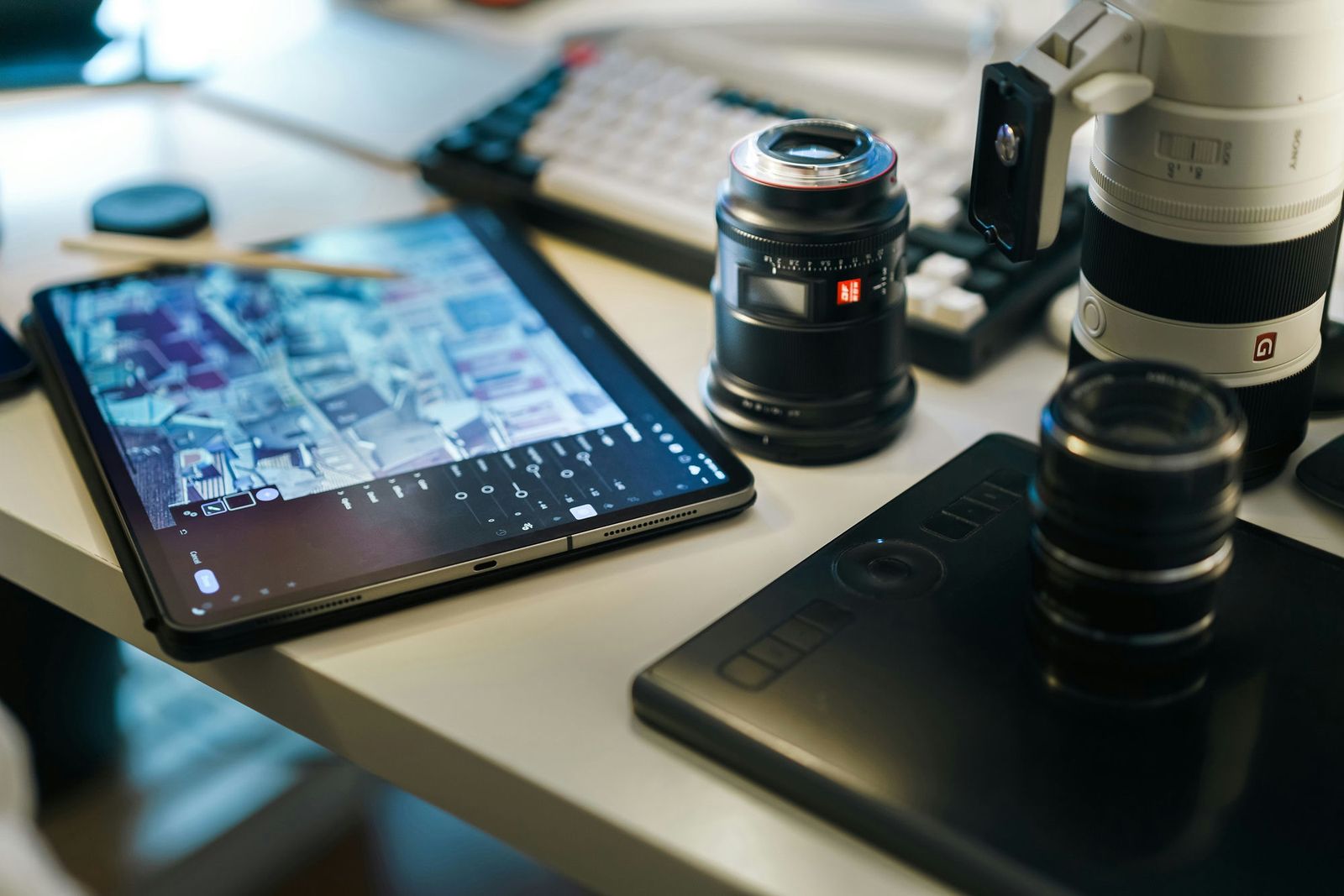
It also sits oddly against the rest of how I run this iPad day to day. I've written before about how this device quietly ended up running half of Brite Tech Lifestyle — photo edits, morning triage, call notes — almost entirely through typing and tapping. Handwriting is the first thing I've added to that workflow in over a year that isn't about doing something faster. It's about doing one specific thing slower, on purpose.
What I kept, and what I didn't
By the end of the week the split was clear. Meeting notes and call summaries are staying handwritten — the shorter, sharper notes were worth the extra ten seconds of writing instead of typing. Anything that needs to go to someone else, or that I know I'll need to edit later, went straight back to typing, because reformatting a handwritten page is its own small chore that a typed document simply doesn't have. My task list didn't move at all — I still run that through Todoist, not a notebook, because a task needs reminders and due dates, not ink.
The bigger realisation is one I should have clocked years ago: not every kind of writing wants the same tool, and I'd let typing quietly become the default for all of it, the same way I'd defaulted to a laptop for a job a desktop actually does better until I bothered to check. Handwriting isn't a rejection of the iPad's other conveniences. It's one more input method sitting alongside all the ones I already had, used only where it's actually the better tool for the job.
If you want the next honest workflow experiment before it goes anywhere else, join the newsletter — I'm not done testing what this iPad can quietly take over next.
Questions people actually ask
Is handwriting notes on an iPad actually better than typing?
Not universally, but it was better for a specific kind of note: anything I need to actually remember rather than just file away. Typing is faster and still wins for anything long-form or anything I need to search across later without converting it first. Handwriting won for meetings, calls and quick sketches where the slower pace forced me to think about what mattered instead of transcribing everything said.
Which app is best for handwritten notes on iPad?
I used the built-in Notes app with Scribble because it needed no setup and already syncs everywhere I work. GoodNotes and Notability add better page templates, PDF markup and folder structures if you're taking this further, but for a first week, the app already on your iPad is the honest place to start.
Does Apple Pencil handwriting get converted to searchable text?
Yes. Apple's Scribble feature recognises handwriting live and makes it searchable system-wide without converting the ink itself into typed text on the page, so the page still looks handwritten but a spotlight search still finds it. Third-party apps like GoodNotes offer a similar OCR-style search layer over your handwritten pages.
Do I need the newest iPad Pro for handwritten notes?
No. Any iPad that supports an Apple Pencil handles handwriting and Scribble fine — the feature isn't demanding. The newest Pro models add a nicer paper-like texture on the display and slightly lower latency between pen and ink, which matters if you're sketching, but for plain note-taking a much older, cheaper iPad does the job.
Is handwriting slower than typing for note-taking?
Yes, noticeably, and that turned out to be the actual point rather than a downside. Because I can't write as fast as someone talks, I stopped trying to capture everything and started capturing only what mattered — which is closer to how good notes are supposed to work anyway.