For six years I ran with whatever app happened to be open on my phone, and genuinely didn't think about it beyond that. Then Strava finished folding Runna into its own ecosystem, the bundle pricing landed in my inbox, and I decided to actually find out whether paying for any of this changes anything — so I ran three apps against the same real training block for two months, not a demo week, and let each one fight for a permanent spot on my home screen.
Two kept it without much argument. The third surprised me, because it didn't cost a penny and still out-performed an app I was already paying for.
Strava — the one that makes you actually want to go again
Strava isn't a coach and was never trying to be one. What it is, better than anything else I tried, is a reason to lace up on the mornings you'd otherwise talk yourself out of it. Every run gets logged against your own history and against friends who happen to be out at the same time, and the segments — stretches of road or trail other runners have raced before you — turn an ordinary loop into something with a small, private competition attached. None of that improves your running mechanically. All of it improved my consistency, which for most of the two months mattered more.
The subscription runs £54.99 a year in the UK, and the free tier genuinely works if you only want the logging and the social side. What it won't do is tell you why last Tuesday's run felt harder than Thursday's, or build you towards anything beyond "run more than last week." For that, I needed the app I actually paid for on top of it.
Runna — the one that tells you exactly what to run, and why
Runna builds a week-by-week plan around a specific goal — a 10K time, a half marathon date, simply "get faster without getting hurt" — and then does the part I didn't expect to value: it adjusts the plan when you tell it a run went badly, rather than marching you through the same schedule regardless. Mark a session as harder than it should have felt, and the next few days back off instead of compounding the fatigue. I set myself up to overdo it in week four, and it was the one time all two months a piece of software actually stopped me doing something I'd have otherwise pushed through.
Strava bought Runna in 2025, and since then the two have been sold together as a single UK bundle at £119.99 a year, which comes out cheaper than paying for Strava's premium tier and Runna standalone separately if you were going to want both anyway. It's worth being precise about what you're actually buying, though: Runna's AI only ever touches your training plan. It doesn't read your email, book anything, or reach outside the one job it has — which, after writing about my unease at Google folding its narrow AI agents into one do-everything assistant, is exactly the kind of scoped tool I trust more, not less, the longer I use it.
Nike Run Club — the one that costs nothing and still gets it right
I expected Nike Run Club to be the one I deleted first, mostly because "free" and "still maintained" rarely go together for very long. Instead it quietly did the one thing neither of the paid apps managed: it made a complete beginner's first run feel coached rather than abandoned. The guided runs talk you through pacing and breathing in plain language, with no training-plan jargon assumed, and there's no subscription prompt interrupting a single one of them. It has no adaptive periodisation and no social layer worth mentioning, and I wouldn't train for a half marathon on it alone — but for the exact job of getting someone off the sofa and through their first few weeks, nothing else here comes close, and it costs nothing to find that out for yourself.
The honest verdict after two months, not a launch-week first look: Strava for the reason to keep going, Runna for the plan that actually adjusts to how the training is really landing, and Nike Run Club if you're not ready to decide any of that yet and just want to start. I still run all three in different weeks, which tells you more about how different the underlying need can be than it does about indecision.
How I'd actually pick, if I only had room for one
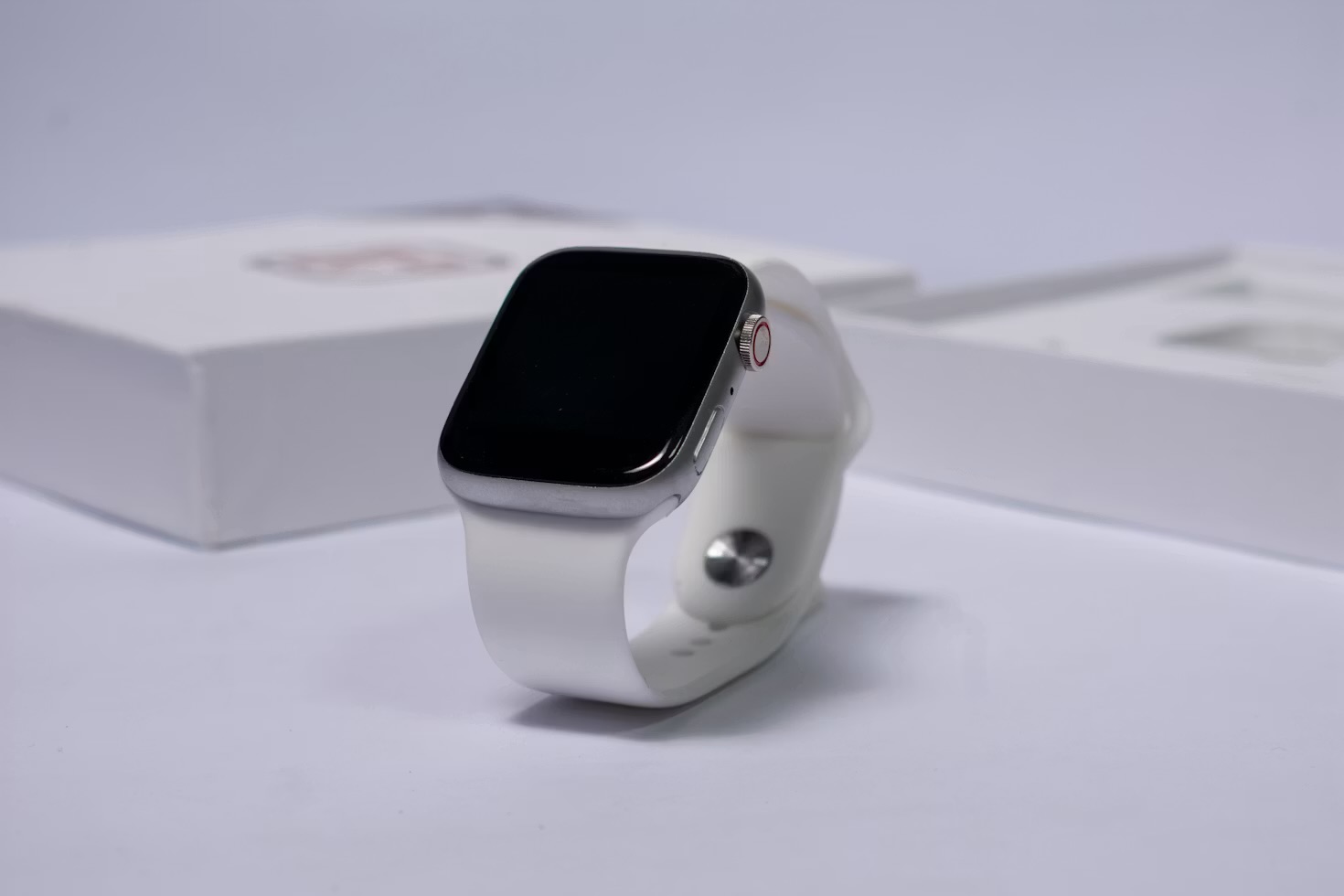
New to running and not sure you'll stick with it: Nike Run Club, because there's no cost or commitment standing between you and finding out. Training for a specific date or distance: Runna, and take the bundle if you were already going to want Strava's social side too. Already running consistently and just want the motivation to keep doing it: Strava on its own is enough, and the free tier will get you most of the way there. None of these three decisions depends on owning a smartwatch — I ran the bulk of this test on phone GPS alone, and the watch only added continuous heart rate I didn't strictly need to make any of these calls. If you want the fuller picture of what's actually worth wearing on the wrist while you do this, I keep that running alongside everything else I've tested.
The theme underneath all three, if there is one: the app that won wasn't the one with the most features, it was the one whose scope matched what I actually needed from it that week. I went looking for the same discipline in how I track recovery afterwards, which is the whole reason Apple's Training Load metric earned its own guide here rather than getting folded into a general fitness score nobody reads closely. If narrowing down to the one tool that actually does its one job well is a habit you want to build more deliberately — not just for running, for anything you're currently outsourcing to the nearest all-purpose app — that's the exact approach I walk through in my Your First 30 Days With AI course.
If you want the next honest verdict before it goes anywhere else, join the Brite newsletter — I'll flag it the moment it actually changes how I train.
The same filter applies to the watch on your wrist: once the apps that matter are chosen, the rest are noise, which is what I found when I cleared out my Apple Watch app grid.
Questions people actually ask
What's the actual difference between Strava, Runna and Nike Run Club?
Strava is a social network and activity log first — it logs the run and lets you compare it against friends, segments and your own history, but it won't tell you what to run tomorrow. Runna is a structured training plan built around your race goal, which adjusts itself when a run goes badly or well. Nike Run Club sits in between: free, guided audio runs with light coaching, but no adaptive plan that reacts to how your training is actually going.
Is Runna worth paying for if I already have Strava?
If you're running without a specific goal, probably not — Strava's free tier already logs everything you need. If you're training towards a specific distance or time and keep either overtraining or undertraining without a plan telling you otherwise, Runna is worth it on its own. Strava now sells both together in one UK bundle, which works out cheaper than paying for Runna standalone if you'd pay for Strava's premium tier anyway.
Do I need a smartwatch to use these running apps, or does my phone work?
All three track a run perfectly well from a phone alone, using its GPS and accelerometer. A watch adds continuous heart rate during the run itself and saves you carrying a phone, but none of the three apps require one, and I ran most of my two-month test on phone GPS alone.
Which running app should I start with as a complete beginner?
Nike Run Club. It's free, the guided runs tell you what to do without assuming any prior fitness vocabulary, and there's no subscription decision to make before your first session. Move to Runna once you have an actual goal — a specific race or distance — that a generic guided run can't plan around.
Are AI-generated training plans actually safe, or do they overtrain you?
They can push too hard if you answer the setup questions more ambitiously than your actual fitness, because the plan has no way to verify what you tell it. Runna's plan adjusts down if you mark a run as harder than expected, which caught the one week I'd set myself up to overdo it, but the correction only happens after the fact — so the honest starting answers matter more than the app's own safeguards.