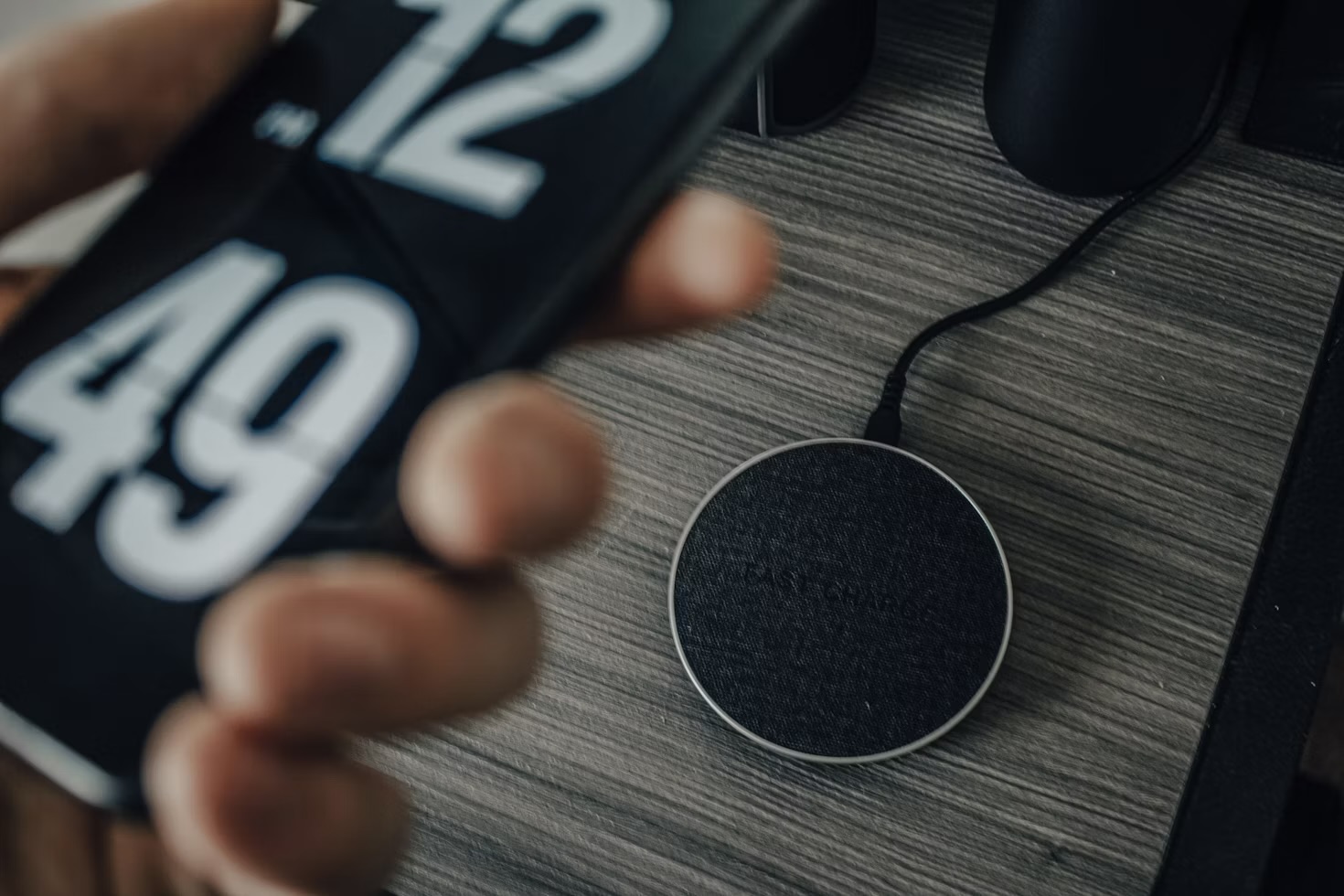
For most of my adult life I have babied my phone battery. Unplugged it the second it hit 100%. Panicked when I left it charging overnight. Run it flat now and then because I'd read that "conditioned" it. None of that was harmless folk wisdom I inherited without question — and when I finally sat down with the battery-health screen, the manufacturer documentation and a month of actually paying attention, most of it turned out to be wrong. Here are the myths I believed, and what a lithium battery actually wants from you.
First, the thing that makes all of this fixable: your phone almost certainly tells you how healthy its battery is. On an iPhone it's in Settings under Battery Health & Charging, as a "maximum capacity" percentage; most recent Android phones surface something equivalent. That single number is what turned this from a set of superstitions into something I could check. Mine sits at 87% after a bit over two years — perfectly normal — and knowing that instantly killed half the anxiety I'd been carrying around for a decade.
Myth 1: Charging overnight is slowly killing it
This was my big one. For years I genuinely believed that leaving the phone plugged in all night was force-feeding the battery and cooking it. It is the myth I hear most from friends, too, usually delivered with real conviction.
Here's what actually happens. The moment the battery hits 100%, the phone stops pulling charge — it isn't being crammed with electricity for eight hours. It just sits there and occasionally sips a little to replace what naturally leaks away. On its own that's close to harmless. But it gets better: nearly every modern phone now has an optimised-charging feature that deliberately parks the battery at around 80% for most of the night and only finishes the top-up in the hour before your alarm. That keeps it off a full charge — which lithium batteries dislike sitting at — for the very hours I used to worry about. Once I understood that, I turned the setting on and stopped fretting. Overnight charging, done this way, is one of the gentler things you can do.
Myth 2: You should drain it to 0% now and then to "recondition" it
This one I'd been actively doing on purpose, which stings. The full-drain habit is a hangover from old nickel-cadmium batteries, which suffered a genuine "memory effect" and did benefit from an occasional deep cycle. Lithium-ion — what's in every phone, laptop and wearable I've ever tested — is the exact opposite. It has no memory, and running it flat is one of the few habits that measurably ages it. Deep discharges stress the cell; the sweet spot is keeping it loosely in the middle, roughly 20% to 80%, and topping up whenever it's convenient rather than waiting for a dramatic empty-to-full cycle.
So the "let it die once a month" ritual isn't just pointless — it's mildly counterproductive. The only time it's worth running low is very occasionally to recalibrate the percentage read-out, which is a display accuracy thing, not battery health. Two different problems I'd spent years conflating.
"Almost every battery habit I was proud of came from nickel batteries that stopped being in phones twenty years ago."
Myth 3: Heat doesn't really matter
If the first two myths were things I wrongly worried about, this is the real threat I'd been ignoring. Heat is the single biggest killer of lithium batteries, and it's the one nobody frets about because it's invisible. A phone left on a car dashboard in summer, or fast-charging inside a thick case while you play a game, gets genuinely hot — and sustained heat degrades the cell far faster than any charging pattern.
This reframed my whole mental model. I'd been obsessing over when and how much I charged, when the thing that actually mattered was temperature. Now my rules are simple: don't leave it in direct sun, take the case off if it's running hot during a big download or a long charge, and don't fast-charge and hammer the phone at the same time if I can help it. Fast charging on its own is fine; fast charging plus a hot afternoon plus a demanding game is the combination that does harm.
The short version: keep it cool, keep it loosely between 20% and 80%, turn on optimised charging, and stop running it flat. That's genuinely the entire list. Everything else I used to do was managing an anxiety, not a battery.
Myth 4: Closing background apps saves your battery
Not strictly a battery-health myth, but it belongs here because it's the most common thing people do "for the battery" that achieves nothing. Swiping every app out of the recents carousel feels productive. It isn't. Modern phones freeze apps you're not using so they draw almost no power, and force-quitting them means the phone has to cold-start each one from scratch next time — which actually uses more energy, not less.
The real drains are dull and specific: screen brightness, a phone hunting for signal in a weak-reception spot, and a handful of apps with permission to track your location or refresh constantly in the background. Fixing those does far more than any amount of app-swiping. It's the same lesson I keep relearning across tech — the fiddly ritual that feels like control usually isn't where the actual gains are, something I found when I turned my phone greyscale to cut screen time and discovered the settings that mattered weren't the ones I'd been fussing over.
Why any of this is worth caring about
Here's the part that makes battery care more than a nerdy hobby: a healthy battery is the single biggest reason a phone stays usable for years instead of feeling tired after eighteen months. The thing that pushes most people toward an upgrade isn't a slow processor — it's a battery that no longer lasts the day. Treat the battery well and you buy yourself years, which is exactly the case I made for keeping the same phone for four years without missing a thing. The habits above are, quietly, some of the cheapest money-saving in tech.
What struck me most, going through all this, is how much of what I "knew" was inherited wisdom about batteries that haven't been in phones since the early 2000s. The technology moved on; the folklore didn't. If you take one thing from this, make it the battery-health screen — go and look at your number, turn on optimised charging while you're in there, and then, honestly, stop thinking about it. The best thing you can do for a modern battery is a small amount of sensible, and then benign neglect.
The one category genuinely worth auditing is the apps holding camera, microphone or location permissions in the background — which is why permissions get a whole step of their own in my guide to using AI on your phone, rather than a footnote.
Questions people actually ask
Does charging your phone overnight damage the battery?
Not in any meaningful way on a modern phone. Once the battery reaches 100% the phone stops drawing charge and simply tops up the trickle it loses sitting there — it is not being force-fed all night. The bigger, quieter win is that most phones now have an optimised-charging setting that holds the battery at around 80% overnight and finishes the last 20% just before your usual wake time, which keeps it off a full charge for hours. Turn that on and overnight charging is close to the gentlest way you can do it.
Should you let your phone battery drain to 0% before charging?
No — that advice belongs to old nickel batteries that had a memory effect. Lithium-ion batteries, which every phone uses, are the opposite: they are happiest kept in the middle of their range and actively dislike being run flat. Deep discharges to 0% are one of the few habits that genuinely age a battery faster. Top up whenever it is convenient and try to keep it roughly between 20% and 80% rather than chasing a full drain-and-fill cycle.
Is it bad to use your phone while it's charging?
Using it for normal things — messages, browsing, music — is fine and does no harm. What actually matters is heat. If you are gaming or shooting video while fast-charging and the phone gets genuinely hot to hold, that heat is the thing shortening the battery's life, not the fact that you are touching the screen. Take the case off if it runs hot, and keep it out of direct sun while charging.
Does closing background apps save battery?
Almost never, and it can even cost you a little. Modern phones freeze apps you are not using so they consume next to nothing, and force-closing them means the phone has to cold-start each one from scratch next time, which uses more power than leaving it suspended. The genuine battery drains are screen brightness, mobile signal hunting in a weak-reception area, and a handful of apps with constant location or background refresh — not the dozen frozen apps in your recents carousel.