Apple's most rugged, most expensive watch is built for ultra-runners, free divers and mountain rescue teams. I am none of those things. I wore the Apple Watch Ultra 3 every day for a month anyway, mostly to answer one honest question: does any of that engineering matter to someone who just wants to check the time and not lose their phone signal?
I'll say the quiet part up front: buying the Ultra 3 as someone whose most extreme activity is a hilly dog walk is, on paper, a bad decision. It costs £799, sits in a 49mm titanium case built to survive conditions I will never be in, and ships with a satellite SOS feature designed for people who go missing on mountains. I bought one anyway, because I wanted to know whether "overkill" hardware quietly earns its keep in an ordinary life, or whether it's just a bigger, heavier way to tell the time.
Why I bought a watch built for people I am not
I'd been wearing a standard Apple Watch for two years and the thing that actually annoyed me daily wasn't a missing feature — it was charging it every single night, and struggling to read the screen on bright days when I'm walking the dog or sitting outside with a coffee. The Ultra 3's headline numbers spoke directly to both: up to 42 hours of battery (72 in Low Power Mode) and a 3,000-nit display, half again as bright as the standard model's roughly 2,000 nits. Everything else — the dual-frequency GPS, the depth gauge, the hypertension notifications, the satellite messaging — I expected to be along for the ride, not the reason I bought it.
Week one: the parts that mattered immediately
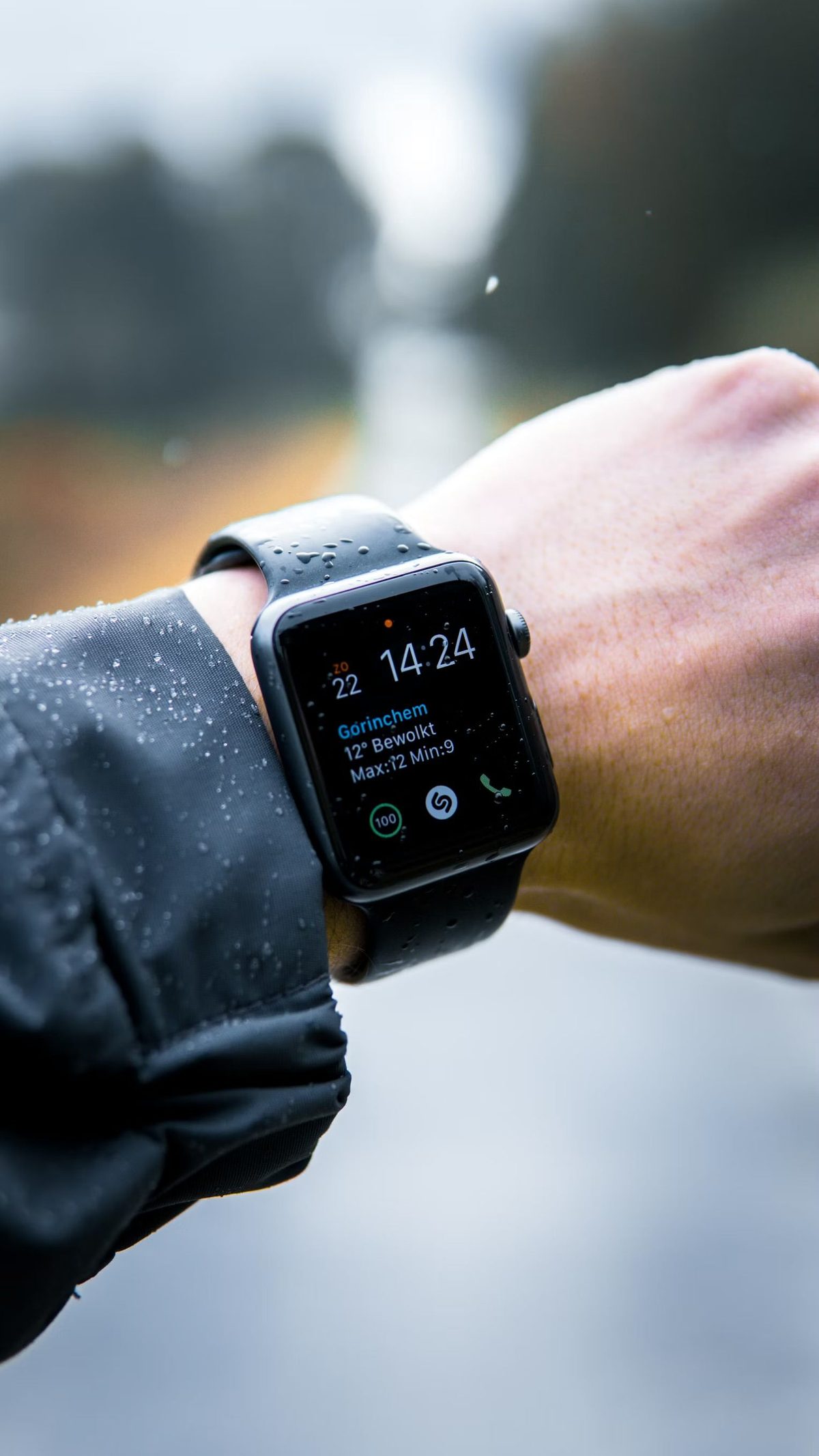
The brightness was the first thing I noticed and it never stopped being noticeable. Standing in direct August sun trying to glance at my wrist used to mean tilting my arm at an angle to kill the glare. On the Ultra 3 I just look down and read it, full stop. The always-on display also runs a proper ticking seconds hand in low-power mode, which sounds trivial and isn't — it's the difference between a watch that looks "asleep" until you move your wrist and one that genuinely looks switched on all the time.
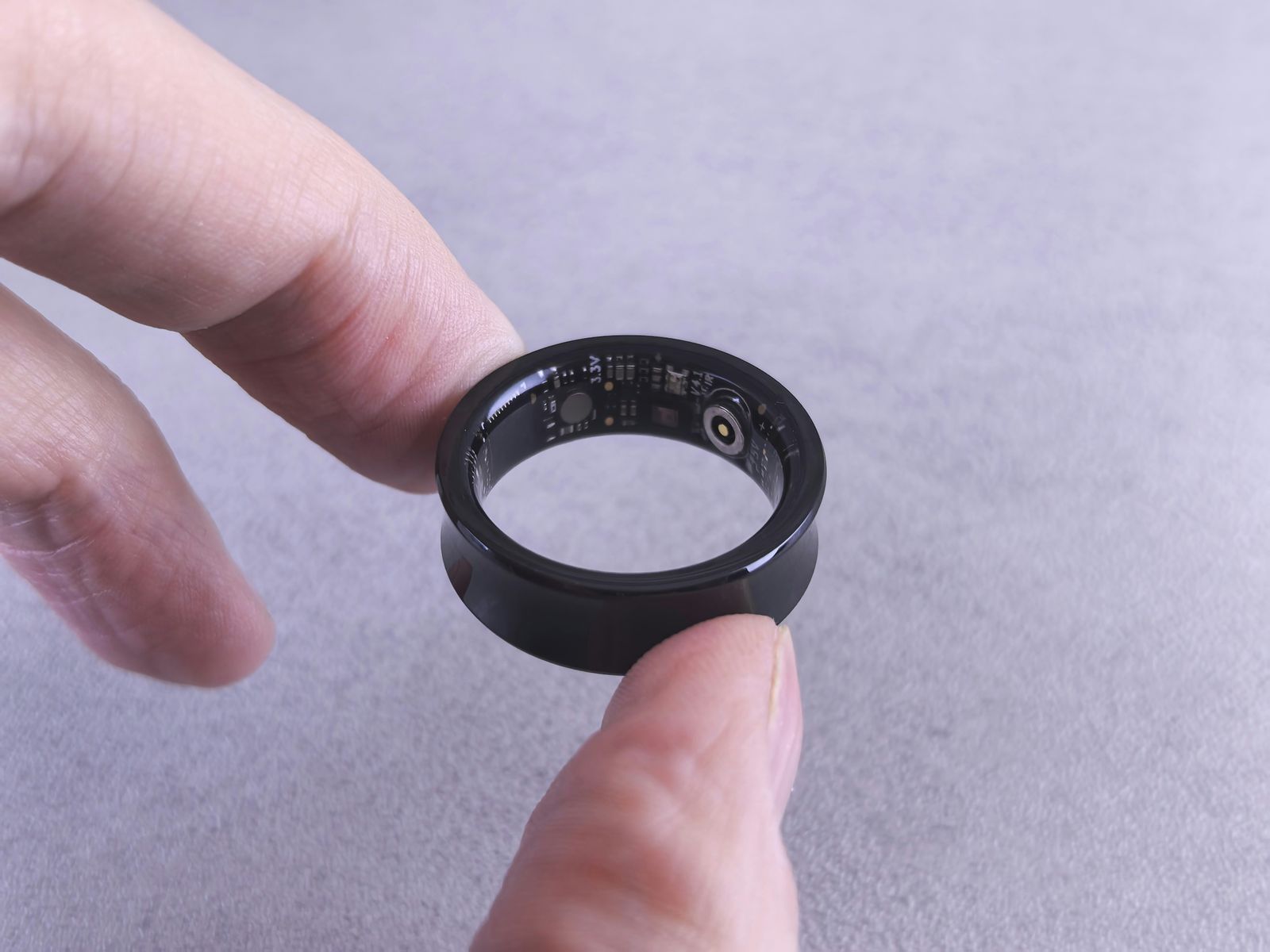
The size took longer to get used to than the software did. A 49mm titanium case is noticeably heavier and wider than a standard Apple Watch, and for the first few days I was very aware of it under a shirt cuff. By the end of week one I'd stopped noticing it entirely, which tracks with everything I've learned wearing a smart ring for 30 days in the opposite direction — almost any wearable stops registering physically once your brain files it as "always there".
The features I paid for and never touched
A month in, I have not once used the satellite SOS, the dive computer, or the compass waypoints. I customised the Action Button — the one obvious concession to "extreme" use — to start a podcast rather than mark a dive or drop a route waypoint, which felt like a small confession about who this watch actually belongs to in my life. The hypertension notifications, new to this generation, sent nothing the entire month, which I'm choosing to read as "nothing wrong" rather than "not working" — it's a background trend feature, not a daily readout, and I have no way to independently verify it either way.
"The features I paid for went unused. The ones I didn't think about — brightness and battery — were the ones I noticed every single day."
Where the "overkill" watch actually surprised me
The real shift was behavioural, not technical. Because I wasn't charging it every night, I stopped taking it off before bed out of habit, which meant I picked up more overnight heart-rate and sleep data than I ever had with a watch I only wore during the day. And because the screen was legible without tilting my wrist, I found myself checking notifications on the watch rather than pulling out my phone — a small, unplanned side effect that did more for my daily phone pickups than several deliberate attempts to cut back ever managed. The titanium case also survived two genuinely clumsy knocks against a door frame and a garden wall with nothing more than a faint scuff, which a standard aluminium case would not have shrugged off the same way.
The verdict: the Ultra 3's headline "extreme" features are irrelevant to my life and probably will be to yours too. The two unglamorous specs — brightness and battery — are the entire case for buying it if you're not an athlete, and thirty days in, they were enough on their own to justify keeping it on my wrist.
What I'd actually tell you before you buy one
- Don't buy it for the safety features. Satellite SOS and dive tools are genuinely excellent if you need them, and dead weight if you don't. Buy for the display and battery instead — they're the only differences you'll feel daily.
- Try the size before you commit. The 49mm case is a real adjustment on a smaller wrist. If you can, handle one in a shop before ordering — photos undersell how much bigger it is than a standard Apple Watch.
- Customise the Action Button for your actual life, not the one on the box. Mine starts a podcast. Yours might open a timer, toggle Do Not Disturb, or launch whatever app you reach for most.
- Do the maths against the standard model. If neither brightness nor multi-day battery genuinely bothers you today, you're paying several hundred pounds for engineering you'll never call on.
If you're weighing this up against a proper training watch rather than a standard Apple Watch, my three-month Apple Watch Ultra 2 vs Garmin Fenix 8 comparison is still the more useful read — that decision hinges on how seriously you train, which mine doesn't. And if you're deciding between any of this and going the other direction entirely, the case for wearable and fitness tech that fits an ordinary routine rather than an athlete's is the whole reason this page exists. Whichever Ultra you're weighing up, it's worth knowing what's reportedly changing under the hood on the next standard Watch before you commit to either.
The dog walks that make up most of my "training" eventually got their own bit of GPS as well. My first week with a Tractive GPS collar is the same honest test pointed at the other end of the lead.
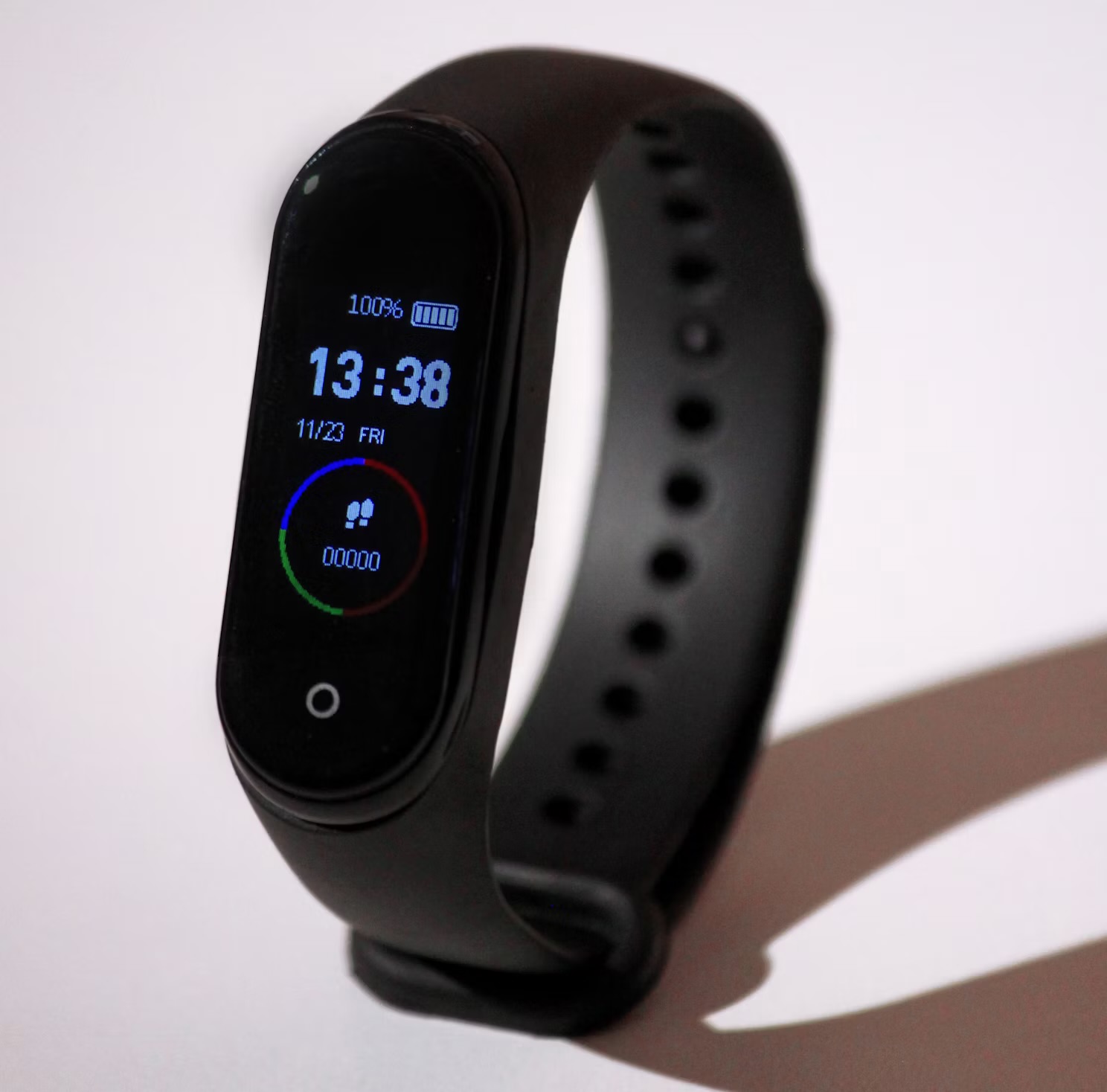
If several hundred pounds for a watch genuinely isn't the plan, I also went the opposite direction and wore a £25 fitness band for 30 days to see what a budget tracker actually gets wrong — the honest answer is less than you'd expect, right up until the moment it has to work hard.
Whichever watch you end up with, the software side matters as much as the hardware. I later went through the app grid on mine and found most of it was clutter, which I wrote up in why I deleted most of my Apple Watch apps.
Questions people actually ask
Is the Apple Watch Ultra 3 worth it if you're not an athlete?
It can be, but not for the reasons Apple markets it. After 30 days I never touched the satellite SOS, the dive features or most of the outdoor navigation tools. What I did use daily was the 3,000-nit always-on display, which stays readable in direct sunlight, and the battery life, which meant charging every two to three days instead of every night. If those two things matter to you more than saving several hundred pounds, it's worth it. If they don't, a standard Apple Watch does almost everything else identically.
What's actually different about the Ultra 3 compared to a regular Apple Watch?
The two differences I noticed every single day were brightness and battery. The Ultra 3 hits 3,000 nits versus roughly 2,000 on the standard Series watch, which is the difference between squinting at your wrist outdoors and actually reading it at a glance. Battery life is up to 42 hours of normal use, or 72 in Low Power Mode, against roughly 18 hours on a standard model. Everything else — the health sensors, the apps, the software — is the same experience, just wrapped in a bigger titanium case.
How long does the Apple Watch Ultra 3 battery really last?
In my daily use — always-on display on, workouts logged, notifications flowing all day — I got a genuine two to three days per charge, not the marketed 42 hours on the nose, but close enough that it never once died on me unexpectedly. Switching to Low Power Mode stretched a single charge past three days, at the cost of the always-on display and background heart-rate sampling. For comparison, my old standard Apple Watch needed charging every single night without exception.
Should I buy the Apple Watch Ultra 3 or wait for a cheaper Apple Watch?
Buy based on how you'll actually use it, not on the spec sheet. If you spend real time outdoors, hate charging your watch nightly, or genuinely need the ruggedness and safety features, the Ultra 3 earns its price. If you mostly want notifications, basic fitness tracking and Apple Pay on your wrist, a standard Apple Watch gives you nearly the same daily experience for a lot less money — I'd have been just as happy with one for most of what I actually did this month.