I bought a smart display expecting a gimmick — a tablet on a stand that would gather dust next to the toaster within a fortnight. A week in, it has quietly become one of the most-glanced-at objects in the house, and for reasons I'd have laughed at if you'd listed them to me on day one. Here's the honest first-week account: what earned its counter space, what I've already stopped touching, and whether I'd tell you to buy one.
Some context on my scepticism, because it's earned. I've had roughly fourteen smart home gadgets pass through this house in three years, and most of them are in a drawer. So when I unboxed a smart display — a Google Nest Hub-style unit, a seven-inch screen on a fabric-wrapped wedge — my expectation was a novelty that peaks in week one and gets unplugged by week four. I set it up on the kitchen counter mostly so I could write about why it was pointless.
Setup took four minutes, and that's the first surprise
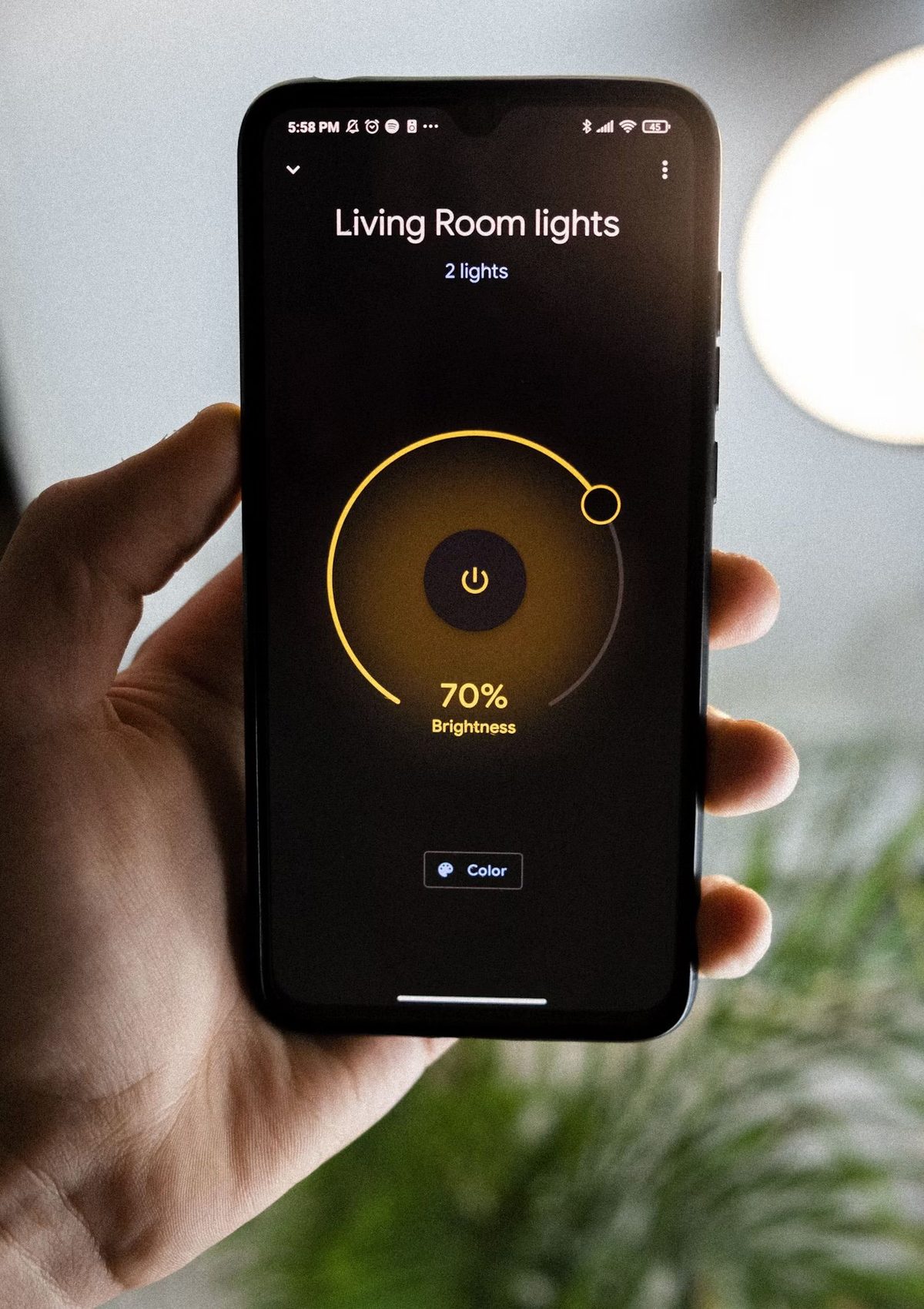
I've grown to expect a fight from new smart home kit — an app that won't find the device, a firmware update that stalls, a login loop. This was genuinely four minutes: plug in, open the companion app, scan the code on screen, pick a room, done. It pulled in my existing lights and thermostat automatically because they were already in the same ecosystem, which is the quiet argument for staying inside one platform rather than mixing brands — a lesson I learned the hard way and still bang on about when people ask where to start.
That "pick your ecosystem first" point is the single most important smart-home decision, and it's exactly the sort of thing a shiny new gadget makes you feel retroactively clever or foolish about. If you've not made that call yet, it's the first thing I'd sort — the ecosystem headaches that the Matter standard is slowly ironing out are real, but a display bought for the wrong platform is a frustrating way to discover them.
What I didn't expect to use: the glance
Here's the thing I got wrong. I assumed the value of a screen was that you'd look at it — watch things, tap things, read things. In practice, the entire value in a kitchen is the opposite: it's a device you never fully engage with and constantly glance at. The time is there. The weather is there. My next calendar entry is there. When I'm cooking and my hands are covered in something, "set a timer for twelve minutes" happens without me touching anything, and the countdown sits on screen where I can actually see how long is left — which a speaker, for all its usefulness, simply cannot do.
That gap between glanceable and interactive turned out to be the whole story. A smart speaker answers when you ask. A smart display shows you things you didn't ask for, in the corner of your eye, while you're doing something else. In a kitchen — a room where you're almost always standing and rarely sitting — that's a genuinely different proposition, and it's the one the marketing undersells in favour of video calls nobody makes from their worktop.
"The value of the screen isn't that you look at it. It's that you glance at it — the time, the weather, the timer — while your hands are doing something else entirely."
The feature I underrated most: the idle photos
When it's not doing anything, the display drifts into a slow photo slideshow from your library. I rolled my eyes at this in the setup wizard and turned it on anyway. A week later it's my favourite thing about the device, and it has nothing to do with technology. The kitchen counter now cycles through years of photos I never look at because they're buried in an app, and it has changed the feel of the room more than any light or gadget I've added. It's the rare smart home feature that makes a space warmer rather than more automated. Which is roughly where I've ended up with all of it: I stopped automating the whole house and kept only the handful of things that make daily life genuinely nicer.
What I've already stopped touching
To keep this honest — because a first-week piece that's all praise is a review that hasn't been used properly — here's the pile of features I set up once and haven't returned to:
- Video calls. I have a phone and a laptop with better cameras a metre away. I have not once wanted to take a call from my kitchen counter, and I doubt I will.
- Recipe videos step by step. Lovely in theory. In reality I read a recipe once and get on with it; pausing a video with wet hands is more friction than help.
- The shopping list. Adding items by voice works fine, but my list lives on my phone, which is the thing I actually take to the shop. A list on the wall I can't take with me is a list in the wrong place.
None of these are broken. They're just answers to questions I don't have. And that's the pattern with almost every smart home device worth keeping: it survives on the two things you use daily, not the twenty it can technically do.
My one-week take: a smart display is a glance device, not a screen device. Put it where you stand with your hands full — the kitchen, a hallway, a home-office desk — and it quietly earns its place. Put it where you'd only ever sit and stare, and a cheaper speaker does the same job for less.
The privacy question I made myself answer on day one
A camera and always-listening microphone on the kitchen counter is not a decision to make lazily. Before I'd used it properly I went through the settings: I turned the camera off at the hardware switch, set voice recordings to auto-delete, and confirmed the physical mic mute actually cuts the microphone rather than just dimming an icon. My rule with anything that has a lens or a mic is simple — it goes in a shared, public-facing room like the kitchen and nowhere near a bedroom. If you're not comfortable doing that audit, that's useful information about whether you want the device at all.
Would I keep it?
After one week, yes — with a caveat I didn't expect to write. I'd keep it not as a piece of smart home tech but as a kitchen appliance that happens to be smart. The winning features are boring: timers, weather, calendar, a slideshow of my own photos. The clever features are the ones gathering dust. That's not a criticism; it's the most reliable signal I know that a gadget will actually stay plugged in. The ones that survive in this house are always the ones that quietly remove a bit of friction and then get out of the way.
If you're weighing one up, I'd point you at the same question I ask of everything now: is there a spot in your home where you're regularly standing, hands busy, wishing you could see the time or a timer or the next thing on your list without reaching for your phone? If yes, a display belongs there. If no, save your money. For the rest of what I've plugged in, lived with and quietly unplugged, everything I've tested across smart home gear is in one place — the survivors and the drawer-fillers alike. And for where Apple is taking its own smart-home hardware next, I wrote up my honest reaction to the roadmap. The newest addition to that pile of small gadgets that earned their keep is a heated mug, of all things — my first week with a smart mug is the same test applied to something that isn't smart home at all, and it surprised me for the same boring reason.
The same test decided the bulbs, too. Running Philips Hue and Govee side by side came down to which one I stopped noticing first, which is not the answer either spec sheet points at.
Questions people actually ask
Is a smart display worth it?
For a kitchen or a hallway, I'd say yes — but not for the reasons the marketing pushes. The value isn't the video calls or the recipe videos; it's the ambient, glanceable stuff: the time, the weather, the next thing in your calendar, a timer you set by voice with flour on your hands. If you already live in one voice-assistant ecosystem and you have a spot where you're often standing but not sitting, it earns its place. As a device you go and stare at, it doesn't.
What can you actually do with a smart display?
The things I use daily are hands-free timers and alarms, checking the weather and my calendar at a glance, controlling smart lights and the thermostat without opening an app, and playing music or radio. It also shows a rolling photo slideshow when idle, which is the feature I underrated most. The things I set up once and never touched again: video calls, following recipe videos step by step, and the shopping-list feature.
Is a smart display better than a smart speaker?
It depends entirely on the room. In a kitchen, where you glance at things while your hands are busy, the screen genuinely adds something a speaker can't — a visible timer, the weather, album art, the next calendar entry. In a room where you only ever talk to it, the screen is mostly wasted and a cheaper speaker does the same job. Buy the display for where you stand and glance; buy the speaker for where you just ask and listen.
Do smart displays record everything you say?
They listen locally for the wake word and only start sending audio to the cloud once they think they've heard it, which is also why they occasionally trigger by accident. You can review and auto-delete voice recordings in the companion app, mute the microphone with a physical switch, and disable the camera. I'd treat the camera and mic switches as the deciding factor when choosing where to put one — mine lives in the kitchen with the camera off, not in any private room.