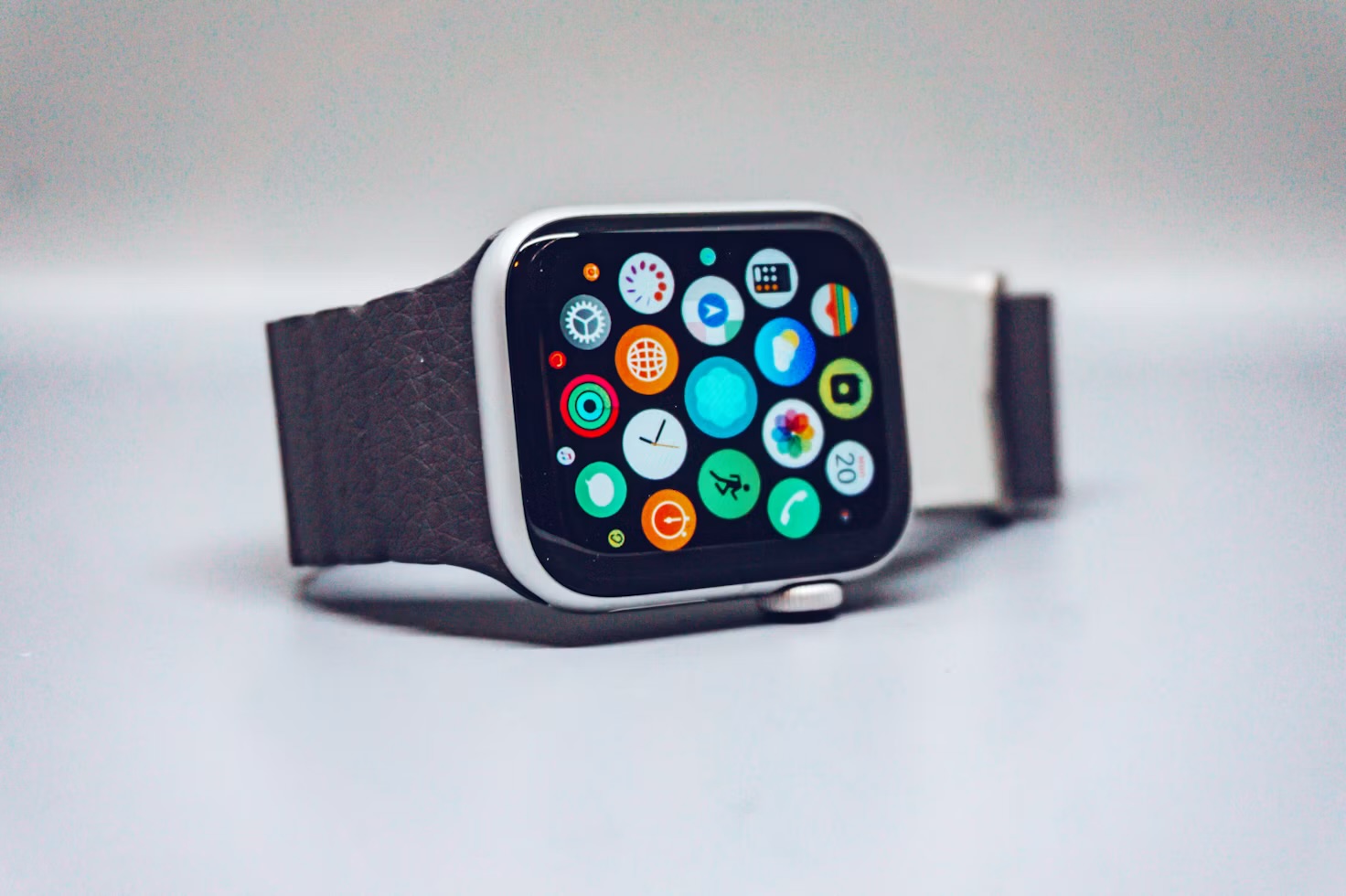
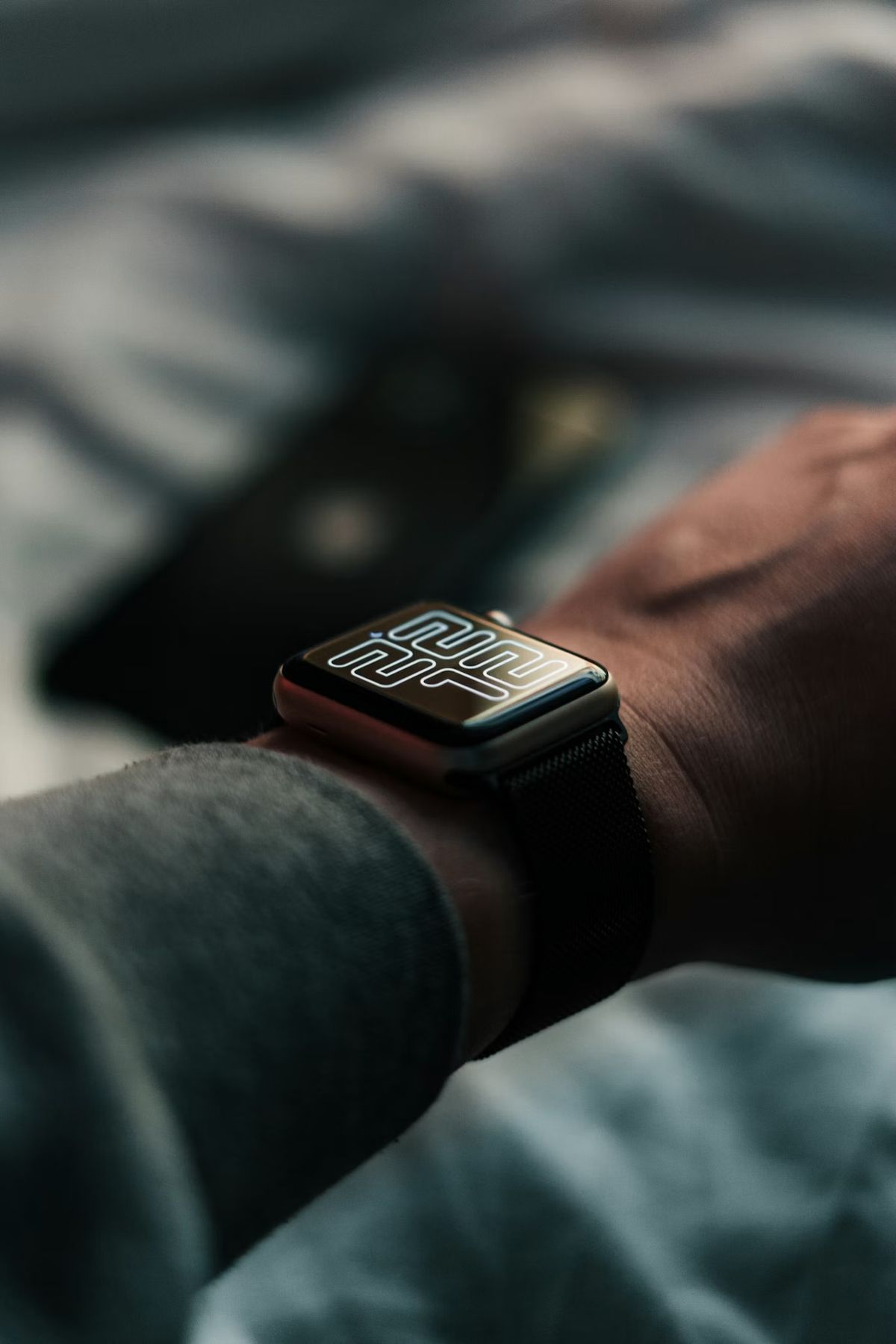
I wanted to know how much I actually rely on the little time that stays lit on my wrist. So for one week I switched it off and let the screen go dark until I raised my arm.
I have worn an Apple Watch with the always-on display since the day it became an option, and I never once questioned it. The time is just there. You glance down, it is lit, you carry on. It is the kind of feature you only notice when it is gone, so I decided to take it away for a week and see what happened.
No grand experiment. I went into Settings, then Display & Brightness, then Always On, and flipped it off. From that moment the screen stayed black until I raised my wrist or tapped it. Everything else stayed the same: same face, same complications, same strap. One change, one week.
Day one: I kept checking a dead screen
The first morning was almost comical. I kept glancing at my wrist at a meeting, finding black glass and then having to flick my arm to wake it. Three or four times in the first hour I did the little rotation of the wrist that you do when you want a watch to light up, and each time I felt faintly ridiculous.
That was the first lesson. I check the time far more often than I thought, and I check it in situations where moving my arm is slightly awkward: with a coffee in one hand, typing, sitting in the car, holding a bag. The always-on display had been quietly removing that small physical effort a few dozen times a day.
Days two to four: the battery, and what I actually saw
I did not time anything with a stopwatch, and I would be wary of anyone who claims to have measured this precisely without a controlled test. What I can tell you is what I noticed in everyday life. On the days I ran the watch with the display off I ended the evening with comfortably more charge, and on a long day with a workout in it I stopped looking at the battery percentage at all.
With the display on, a normal day still gets me to bedtime. So this is not a rescue. It is headroom. If your watch struggles to last a day, you will see a real difference. If it already lasts comfortably, you will notice it mostly on the days that go wrong: the long travel day, the late night out, the day you forgot to charge it. If battery is the thing you care about, my notes on a month with the Apple Watch Ultra 3 cover what battery life feels like when it is not a worry.
Days five and six: the quiet upside I did not expect
Here is the part that surprised me. With the screen dark, my watch stopped being a thing I looked at and went back to being a thing that told me something when I asked. I noticed fewer idle glances, and fewer of the accidental ones that turn into reading a notification I did not need.
I am careful not to oversell it. This is one person, one week, and I already run a quiet setup after cutting my watch faces down to three. But a lit, glanceable screen is also an invitation, and without it I found my attention on the watch dropped a little. That fits a pattern I keep coming back to, which is that fewer prompts from a gadget usually means a calmer day.
It also changed how I trained. On a run I want to see my pace without a flick of the wrist, and I was surprised how much I missed the lit screen there. If you do the same, the running apps I actually use and a gym log such as the one in my app versus paper logbook test both depend on a quick look at the screen mid-effort, and a dark display makes each of those looks a little more deliberate.
Day seven: what annoyed me
By the end of the week the downsides were clear and I want to be straight about them:
- Checking the time got slower. Not by much, but I felt it every time. A glance became a glance plus a wrist movement.
- Sharing the screen stopped working. Showing someone my watch, or reading a step count while my hands were full, now needed a tap.
- Workouts felt worse. Any time I wanted to see numbers at a glance, the lit screen was simply better.
- I looked silly. The wrist flick is a tell. Everyone who has used a non-always-on watch knows it.
The middle option nobody mentions
The thing I liked best was not on or off. It was choosing when. Theatre Mode darkens the screen and silences the watch, which is useful in a cinema or a quiet meeting, and Sleep Focus handles the night. For daytime I went back to leaving the display on, because the small lift in battery was not worth the constant wrist flick for me. But I now turn it off on the occasional trip or very long day, which is the only time it earns its place.
If you want to dig into which features pull their weight and which just cost battery, my list of wearable features I actually use is the companion to this. It covers what I turned off for good, and I am a little surprised to report the always-on display did not make that list.
My verdict: leave the always-on display on if you check the time all day and your watch gets you to bedtime. Turn it off if battery is a daily worry, or for the occasional day when you need every last percent. Try it for a week, as I did. You will know within two days which camp you are in.
If you want more of this
There is more on the kit I have worn and tested on the wearables and fitness tech hub, and my wearable data guide is the place to start if you want to make sense of the numbers your watch collects.
Questions people actually ask
Does the always-on display drain the Apple Watch battery?
Yes, a little. The screen stays lit at a low brightness all day instead of staying dark until you raise your wrist. On a modern Apple Watch the effect is small enough that most people still get through a normal day, but switching it off does give you some extra headroom, which matters most on long days or when you track a workout.
How do I turn off the always-on display on Apple Watch?
On the watch, open Settings, tap Display & Brightness, then Always On and switch it off. You can also turn it off from the Watch app on your iPhone under Display & Brightness. The watch will then wake when you raise your wrist or tap the screen.
Does the Apple Watch always-on display wear out the screen?
Apple designs the display to run in a dim, low-refresh state when the wrist is down, so it is built for this. I have no evidence it shortens the life of the screen, and I would not turn it off for that reason alone. Battery and personal preference are the better reasons.
Can I turn off always-on display only during certain times?
Not on a schedule of its own, but the watch dims or sleeps the screen in Theatre Mode and Sleep Focus, and the screen goes dark when the watch detects you are not looking at it. Theatre Mode is the quickest manual switch.
Is the always-on display worth keeping?
For most people who check the time constantly, yes. I turned it off to find out how much I used it, and the honest answer was more than I expected. If you rarely look at your watch except to read notifications, you will probably not miss it.